110
Live display screen of the site will appear if it is successfully connected.
Users are able to select a camera by clicking camera button.
Click [Disconnect] then, live display screen will be closed and Site list box will appear.
12.5.5 Uninstall
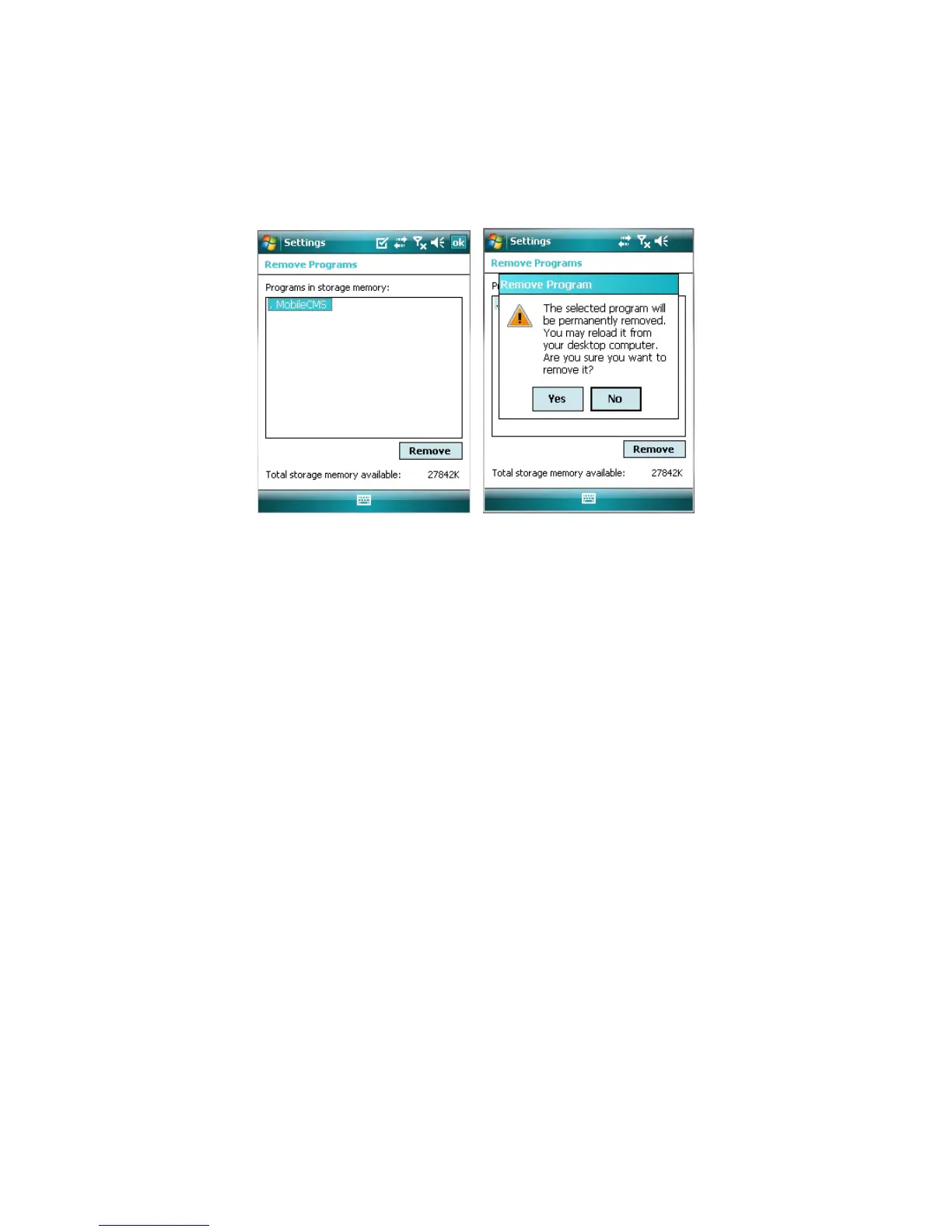
Move to [Program Menu> System] then click [Remove Programs].
The currently installed list will show up.
Choose Mobile CMS on the list and click [Remove].
Confirmation message will pop up.
Click [Yes] to complete uninstall then program will be removed.



 To Next Page