63
8.3.5 Audio
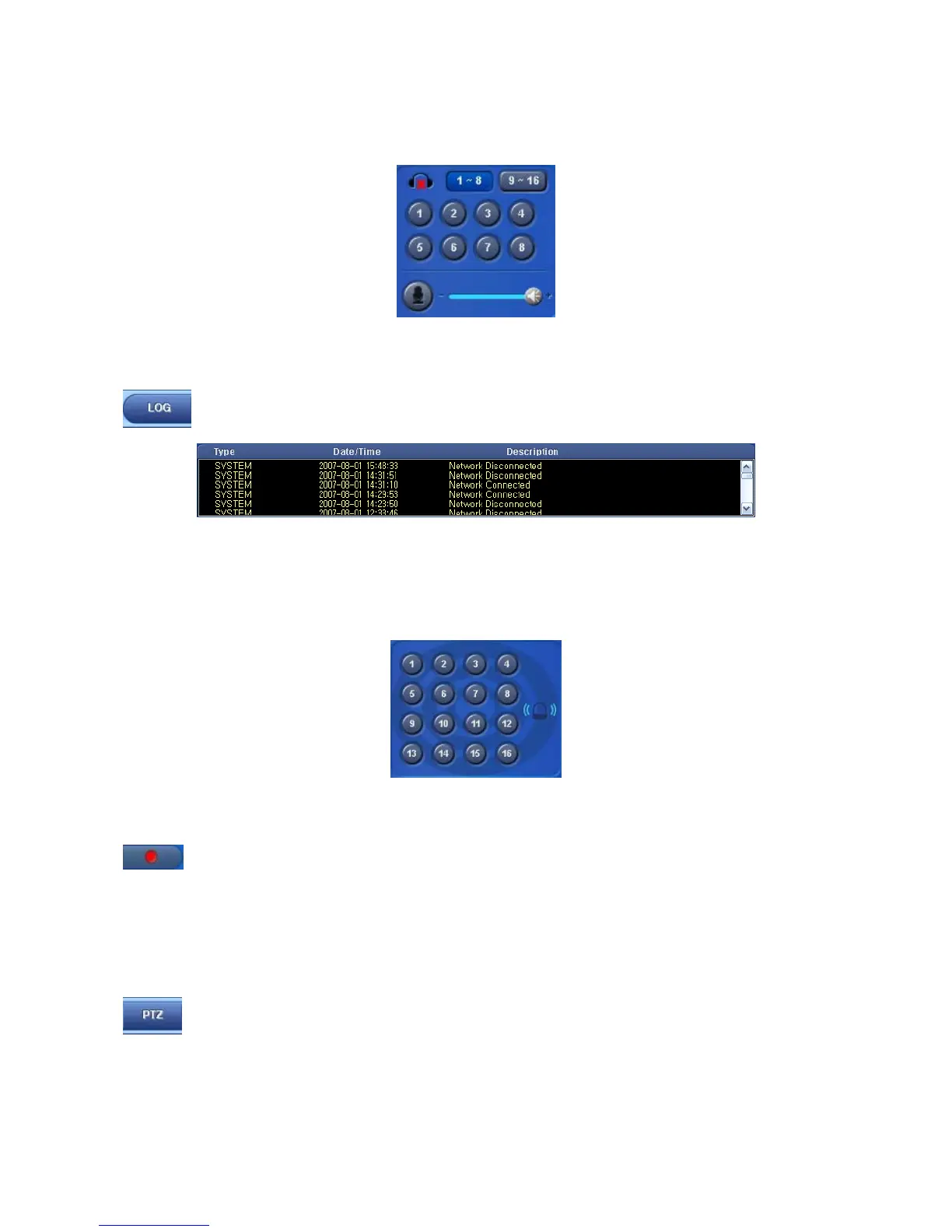
Click an audio channel to listen to the corresponding channel.
User may adjust the audio volume with a mouse.
Click a MIC Icon to use to two way audio.
8.3.6 System Log
Click on LOG button on Watch screen. This will allow user to check System Log of Remote Site (DVR).
8.3.7 Alarm Out
This is for operating Alarm Out of a selected DVR from a remote distance.
Click a channel number and Alarm Out of the corresponding channel will operate.
If user sees an intruder, use this function to turn on a siren in an area where the DVR is installed.
8.3.8 One touch Recording
Click on INSTANT RECORD button to save video of every channel in HDD of Local System (PC with CMS
installation).
8.4 PTZ Control
This is for the control of Pan/Tilt of DVR.
Click on PTZ button in Watch mode and the following screen will appear.


 To Next Page
 Loading...
