87
Choose the month that wish to search and click “ ”.
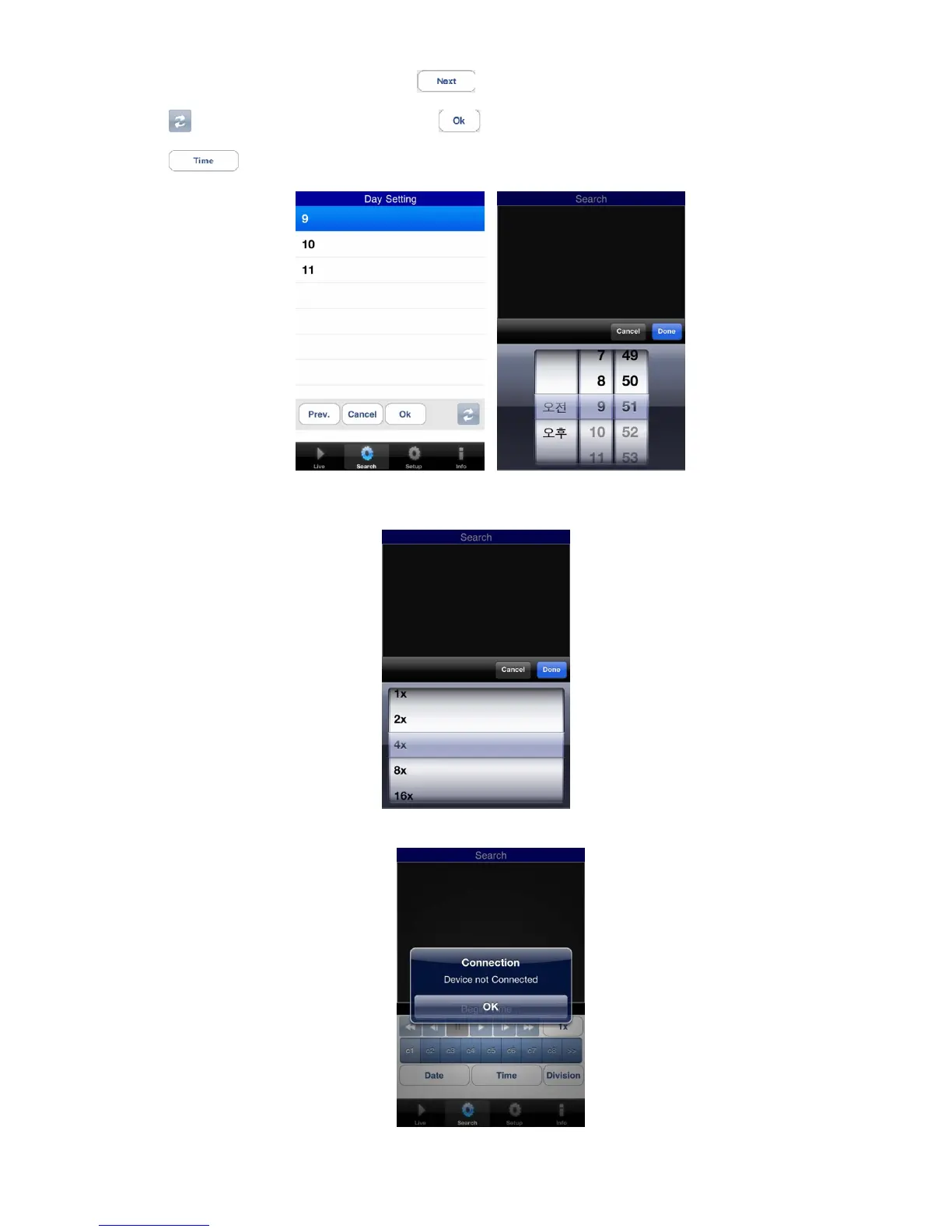
Click “ ” to select the date in the month and click “ ”
Click “ ” to select the time of the date of the recorded data.
And then search the data with the playback buttons on the search menu.
If users wish to change the search speed, then click “1x 아이콘” to change the speed.
If the DVR is not connected, the search function does not work and pop up the message below.



 To Next Page