98
12.3.5 PTZ Control
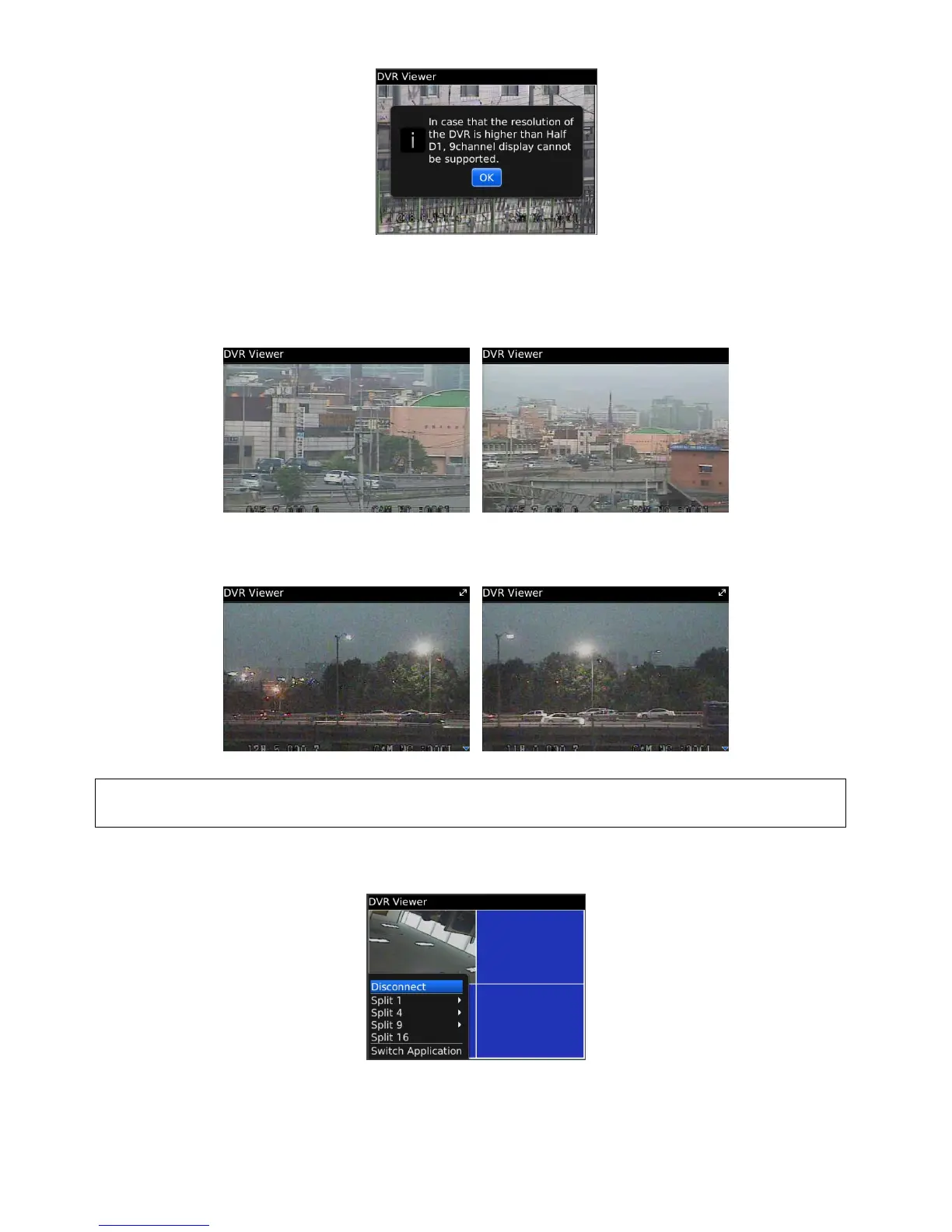
Users are able to control PTZ by blackberry phone.
Press volume up button on the right side of the phone to zoom in.
Press volume down button on the right side of the phone to zoom out.
Press 1~9 number buttons to change directions as user want.
For example, click no. 4 to move left and no.6 to move right.
In the same way, click no.2 to move upside and no.8 to move downside.
(NOTE)
As for the touch type of blackberry phone (ex. Storm), users may control PTZ in the same way as Android Phone.
12.3.6 Disconnection
When disconnecting, please click "Disconnect” and exit the mobile viewer program.
12.3.7 Uninstallation
Click “Menu>Delete” on the “DVR Viewer” icon in the download folder to uninstall the program.



 To Next Page