11
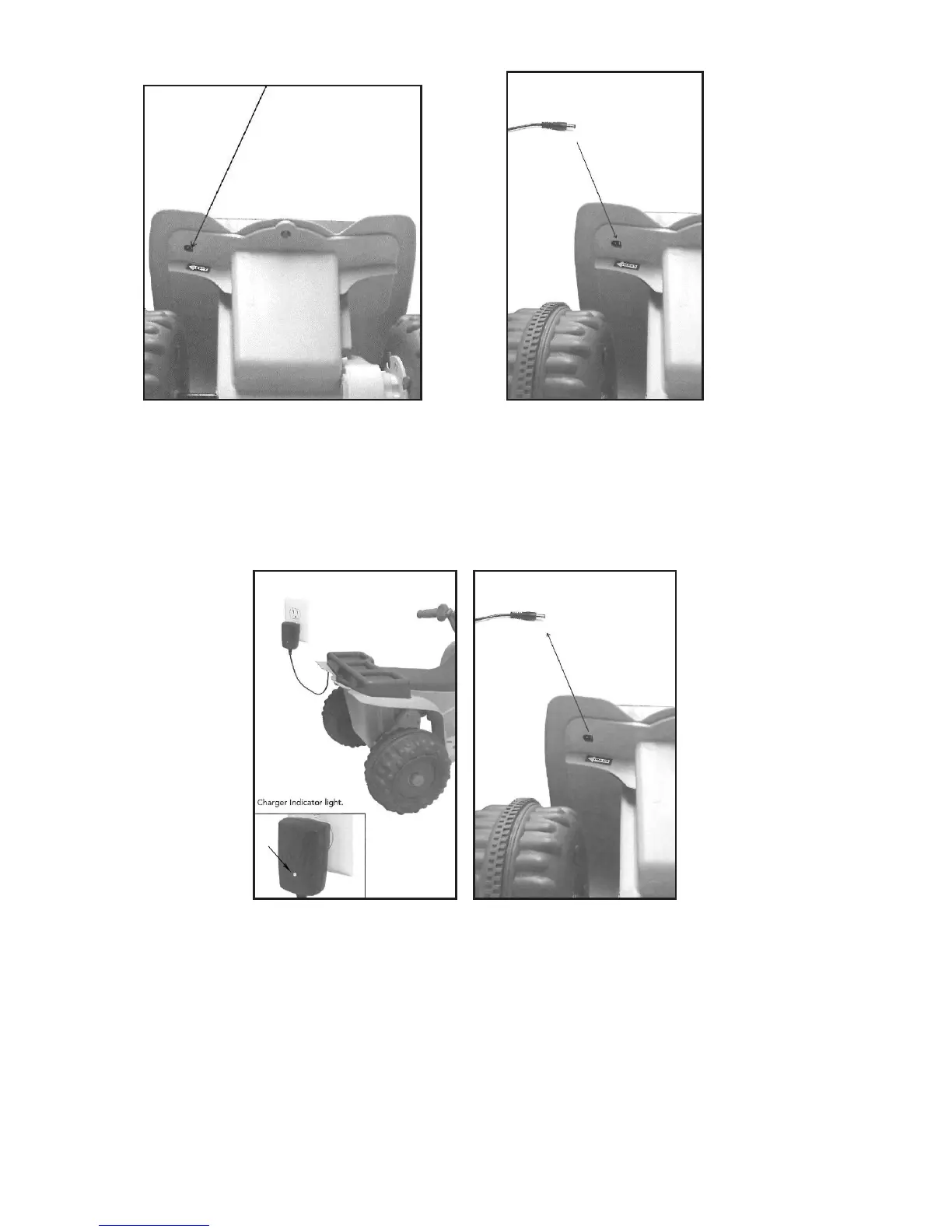
• The DC charging outlet is located on
the back of the quad under the left
rear wheel fender.
• Connect DC pin from provided
charger to DC charging outlet.
Plug DC charger into wall outlet.
NOTE: A red light on the charger
indicates the battery is charging.
Quad will not work while the battery
is charging!
• The red light on the charger turns
green when the battery is fully
charged.
• Disconnect the DC pin from the DC
charging socket.


 To Next Page