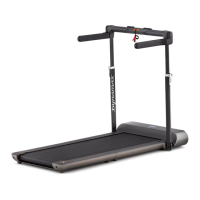
10 RUNNINGPAD - USER MANUAL / MANUEL DE L'UTILISATEUR
A T HLETE APPRO VED SI NCE 1985
STEP 03
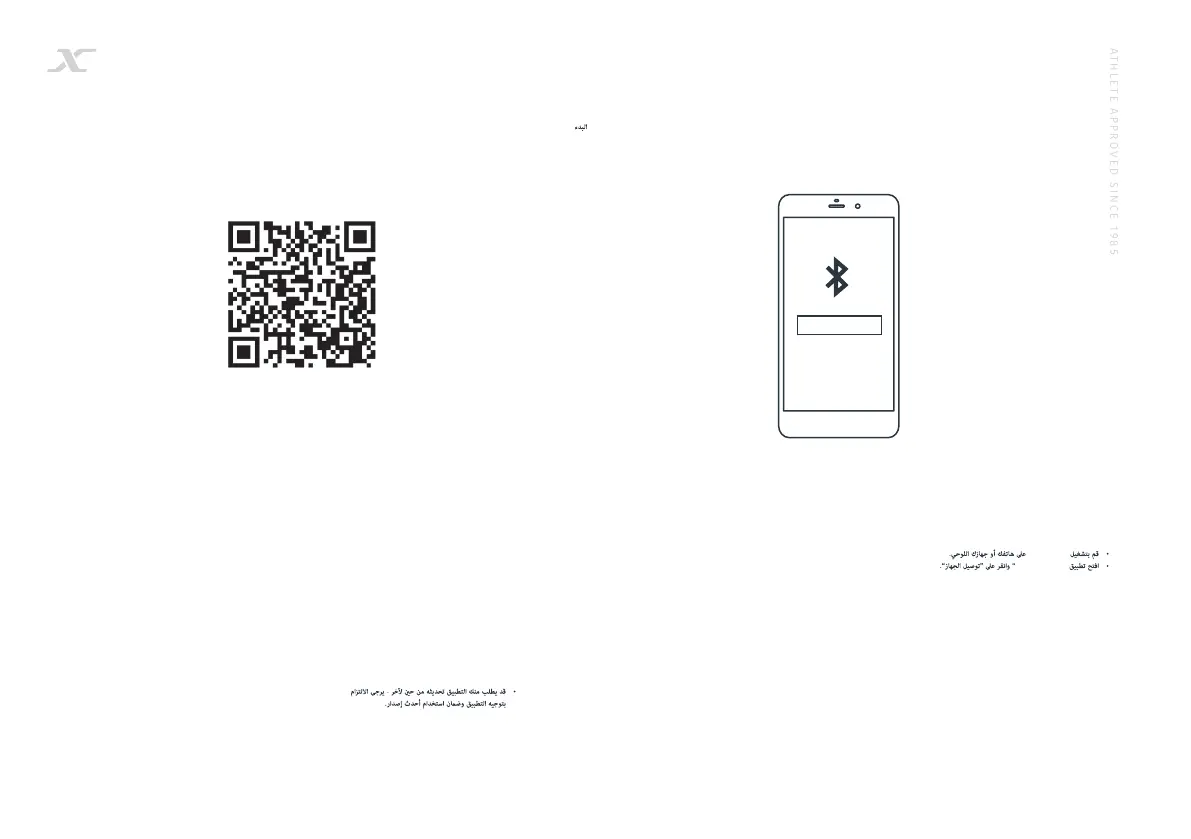
• Turn Bluetooth on, on your phone or tablet.
• Open the ‘WalkingPad’ APP and click ‘Connect device’.
• Activez Bluetooth sur votre téléphone ou votre tablette.
• Ouvrez l’application «WalkingPad» et cliquez sur «Connecter
l’appareil».
• Schalten Sie Bluetooth auf Ihrem Telefon oder Tablet ein.
• Öffnen Sie die App “WalkingPad” und klicken Sie auf “Gerät
verbinden”.
• Encienda Bluetooth en su teléfono o tableta.
• Abra la aplicación ‘WalkingPad’ y haga clic en ‘Conectar
dispositivo’.
• Ligue o Bluetooth no seu telefone ou tablet.
• Abra o aplicativo ‘WalkingPad’ e clique em ‘Conectar
dispositivo’.
• Включите Bluetooth на вашем телефоне или планшете.
• Откройте приложение «WalkingPad» и нажмите
«Подключить устройство».
• 携帯電話またはタブレットでBluetoothをオンにします。
• 「WalkingPad」アプリを開き、「デバイスの接続」をクリ
ックします。
EN
FR
GER
SPA
POR
RUS
JAP
ARA
CHI
KOR
• 在手机或平板电脑上打开蓝牙。
• 打开“ WalkingPad” APP,然后单击“连接设备”。
• 휴대 전화 나 태블릿에서 블루투스를 켭니다.
• ‘WalkingPad’APP를 열고 ‘Connect device’를
클릭하십시오.
GETTING STARTED
DÉMARRAGE / ERSTE SCHRITTE / COMENZAR / INTRODUÇÃO / НАЧАЛО РАБОТЫ / 作業の開始 / 开始 / 시작하기 /
DYNAMAX-FITNESS.COM/SUPPORT
• Your APP may prompt you for occassional
upgrades - please follow the in App
guidance and ensure you are always using
the latest versions.
• Votre APP vous proposera de temps à
autre des mises à jour. Veuillez suivre
les instructions de l’App pour être sûr de
toujours utiliser la dernière version.
• Ihre APP wird Sie gelegentlich zu einem
Update auffordern – bitte folgen Sie den
Aufforderungen der App und stellen Sie
sicher, dass Sie immer die aktuellste
Version verwenden.
• Puede que la app le pida actualizar de
vez en cuando: por favor, siga la guía de
la app y asegúrese de utilizar siempre las
versiones más recientes.
• A sua aplicação pode solicitar-lhe que
faça atualizações ocasionais - siga as
indicações da aplicação e verifique se está
sempre a utilizar as versões mais recentes.
EN
FR
GER
SPA
POR
ARA
RUS
JAP
CHI
KOR
• Ваше приложение может время от
времени запрашивать у Вас разрешение
на обновления - пожалуйста, следуйте
инструкциям в приложении и убедитесь,
что Вы всегда используете актуальную
версию.
• アプリが時折のアップグレードを促すかも
しれません。アプリの中の手引きに従い、
常に最新のバージョンを使っているように
確保してください。
• 应用程序有时可能会提示您升级,请按
照应用程序内的指南操作并确保始终使用
最新版本。
• 사용자 앱에서 가끔 업그레이드를 요청할 수
있습니다. 앱 안내에 따라 항상 최신 버전을
사용하고 있는지 확인합니다.
ُ
Bluetooth
WalkingPad”
Connect device


 To Next Page
 Loading...