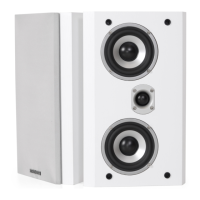
Need help?
Do you have a question about the DYNAVOICE MAGIC Series and is the answer not in the manual?
Read this manual carefully before unpacking and installing the product for improved performance.
Clean speakers with a cotton cloth and mild soap. Avoid touching cones to prevent damage.
Sound quality improves after approximately 50 hours of normal music use.
Guidance on stereo pair positioning, distances from walls, and room dimensions.
Placement advice for front speakers in surround setups, relative to the TV.
Ideal positioning and height for the center speaker in relation to the TV.
Guidance on positioning rear speakers for direct or diffuse sound effects.
Turn off the amplifier before connecting. Use correct polarity for speaker cables.
Recommends amplifiers with sufficient power for signal peaks, avoiding distortion.
Distortion indicates an overloaded amplifier; reduce volume to prevent damage.
Caution advised when using treble and bass controls as they can increase distortion risk.

 To Next Page
 General