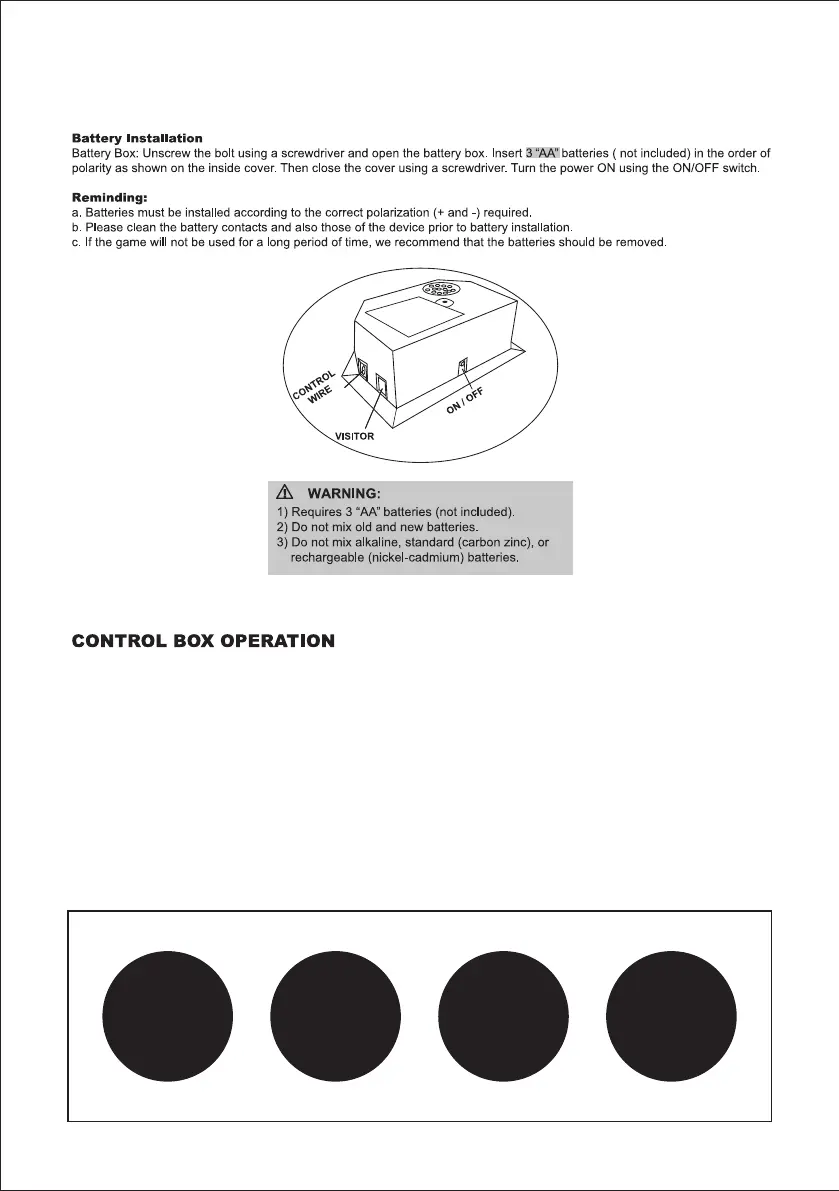
12
ELECTRONIC SCORER OPERATION
START ON/OFF button. To turn on/turn off the power. Once you turn it on, you will see timmer show (01) which
mean 1st game and push the buttom to start playing.
GAME button. To select the game you like to play. you can see the number of game you select on the timmer.
VOLUME button. To adjust the volumn of sounds and music. You need to push the button each time to
adjust the volumn. Keep push the button until you find the right volumn.
AUDIO button. To keep the background music or turn it off. Each time you push the button, the timmer will
show different numbers. "51", "53", "54", "55" means background music on. "52", "56" means background
music off.
NOTED: Scoreboard will go to sleep mode if no score are made or no buttons are pushed. To restart,
please push "START ON/OFF" button.
START
ON/OFF
GAME VOLUME
AUDIO



 To Next Page