23
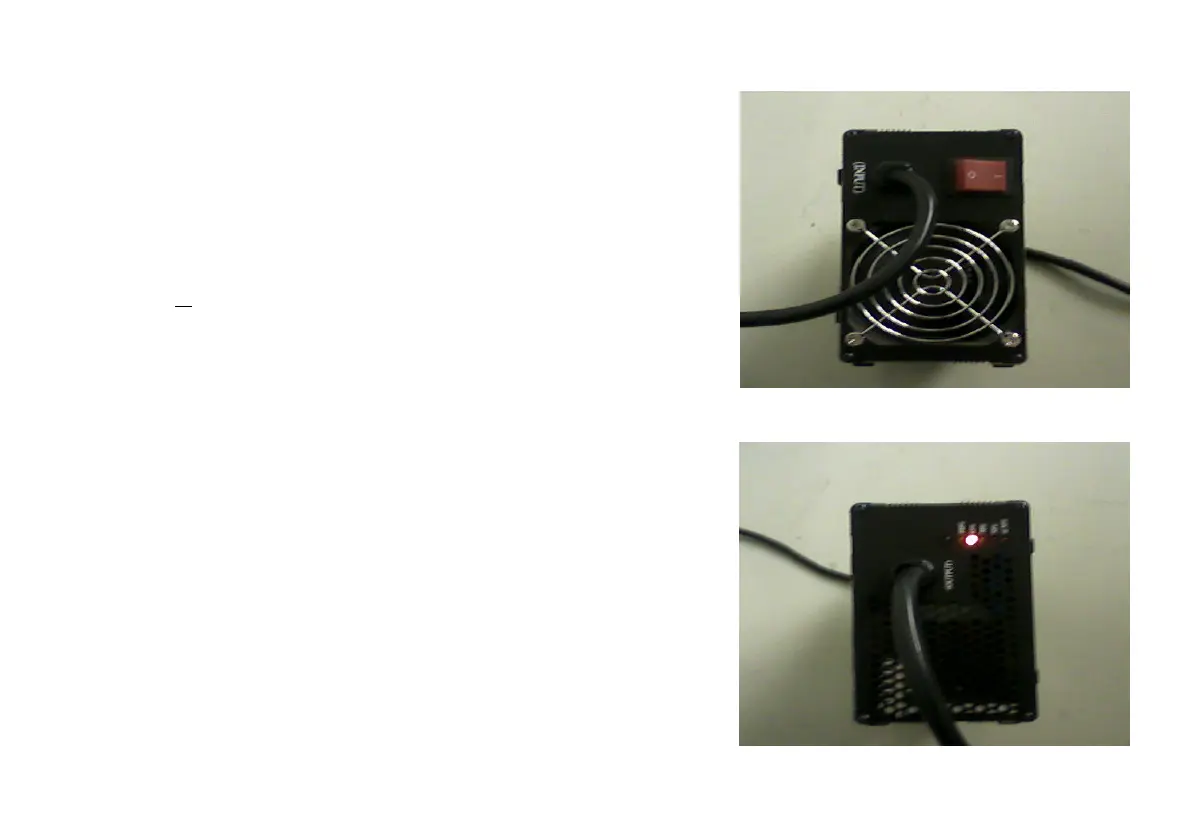
Begin charging process:
• Press the switch on the charging unit to position 1
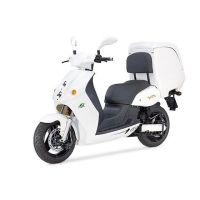
• The fan will start and the respective LED of the
battery charge level will be displayed
LED displays:
• <30% Battery has less than 30% of its
capacity
• 50% Battery has 50% of its capacity
• 70% Battery has 70% of its capacity
• 85% Battery has 85% of its capacity
• 100% Battery has 100% of its capacity after
finishing the impulse charging process (fan
stays off permanently)


 To Next Page