Need help?
Do you have a question about the Ea2 EN203 and is the answer not in the manual?
Explains the weather prediction capabilities and icons.
Covers time setting, dual time, and calendar functions.
Details the humidity measurement range and memory function.
Covers indoor/outdoor temperature ranges and unit selection.
Describes the low-battery indicator and sensor mounting.
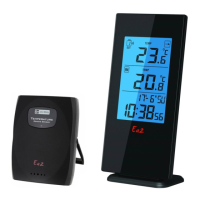
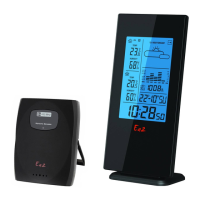
Identifies all display elements like pressure trend, forecast, temp, time.
Lists and describes the function of each button on the unit.
Shows structural components like wall mount hole and battery cover.
Instructions for inserting batteries and resetting the main unit.
Instructions for inserting batteries into the outdoor sensor.
Guidance on placing or mounting the main unit.
Guidance on securely mounting the remote sensor.
How to set and use the weather forecast feature.
Describes the different weather status animations shown.
Explains the barometric trend indicator on the LCD.
Details how the main unit receives signals from the outdoor sensor.
Covers channel selection, temperature trends, and unit settings.
Step-by-step guide to manually set the time and calendar.
How to switch between 12-hour and 24-hour time formats.
Instructions for setting and using the daily alarm and snooze function.
How to set and display a second time zone.
 General
| Brand | Ea2 |
|---|---|
| Model | EN203 |
| Category | Weather Station |
| Language | English |

 To Next Page