EA4TX – ARS-USB Manual – June. 2024 Page 22
3.1 Port reassignment
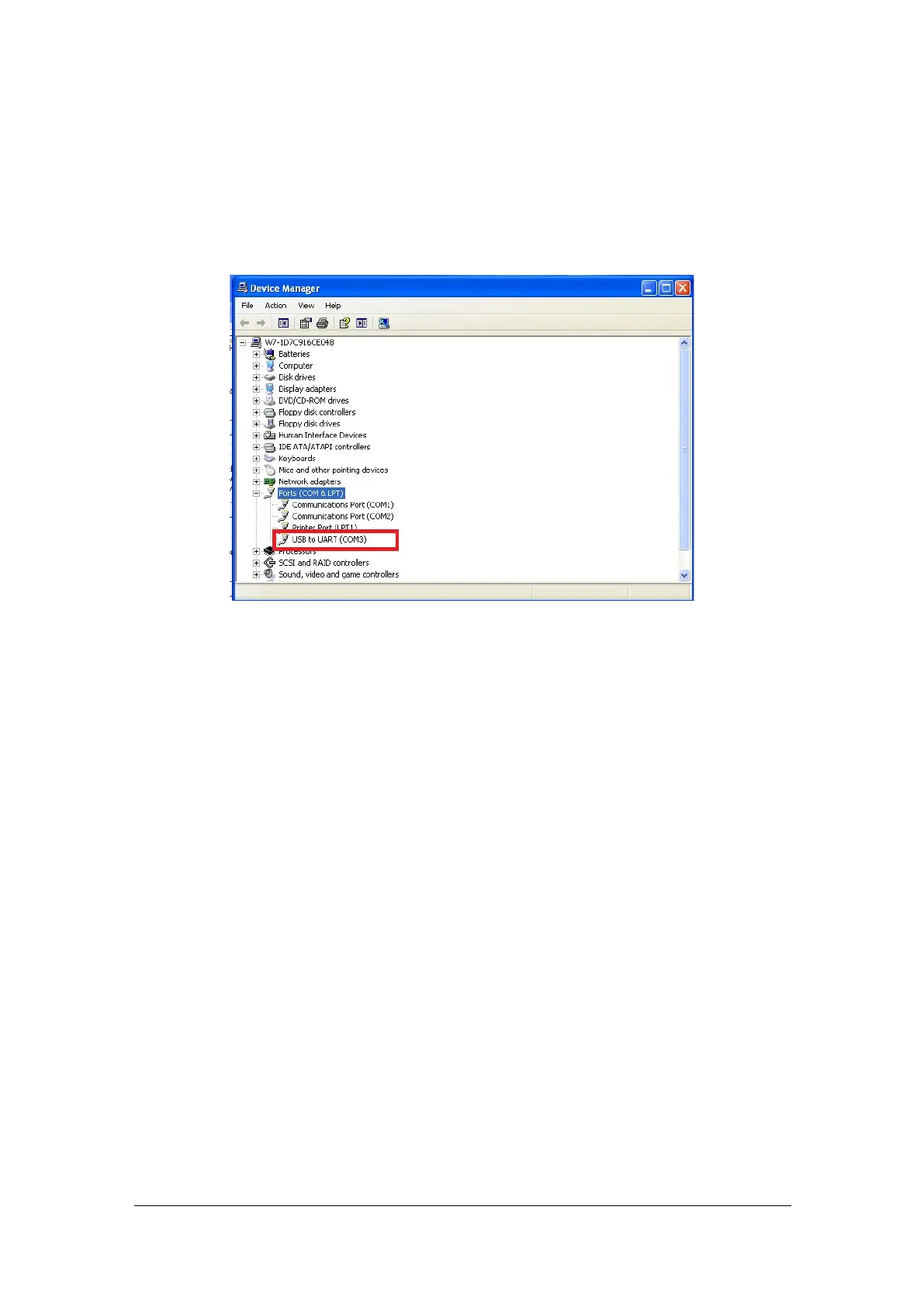
If you need to change the port assigned:
1) Go to Device Manager:
Windows XP/Vista/Win7 -> Start -> Control Panel -> System -> Hardware -> Device
Manager
Windows 2000/2003 -> Start -> Settings -> Control Panel -> System -> Hardware ->
Device Manager
2) Right click on the “USB to UART.” Click properties.
3) Click on the “Port Settings” tab and then click the “Advanced” button.
4) Pull down the scrollbar on the bottom left side. You will see several COM ports
listed. Select one that doesn't say "in use" next to it. Then click "OK".
5) Click “OK” again. Notice that the device will now appear on the previously
unassigned port you just selected. Verify this by closing Device Manager and
selecting it again.
6) Close device manager.
7) This process is illustrated on the following page.


 To Next Page
 Loading...