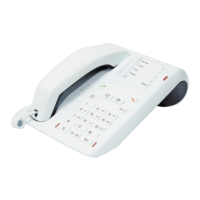
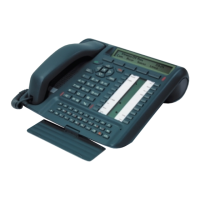
Description of your M760
5
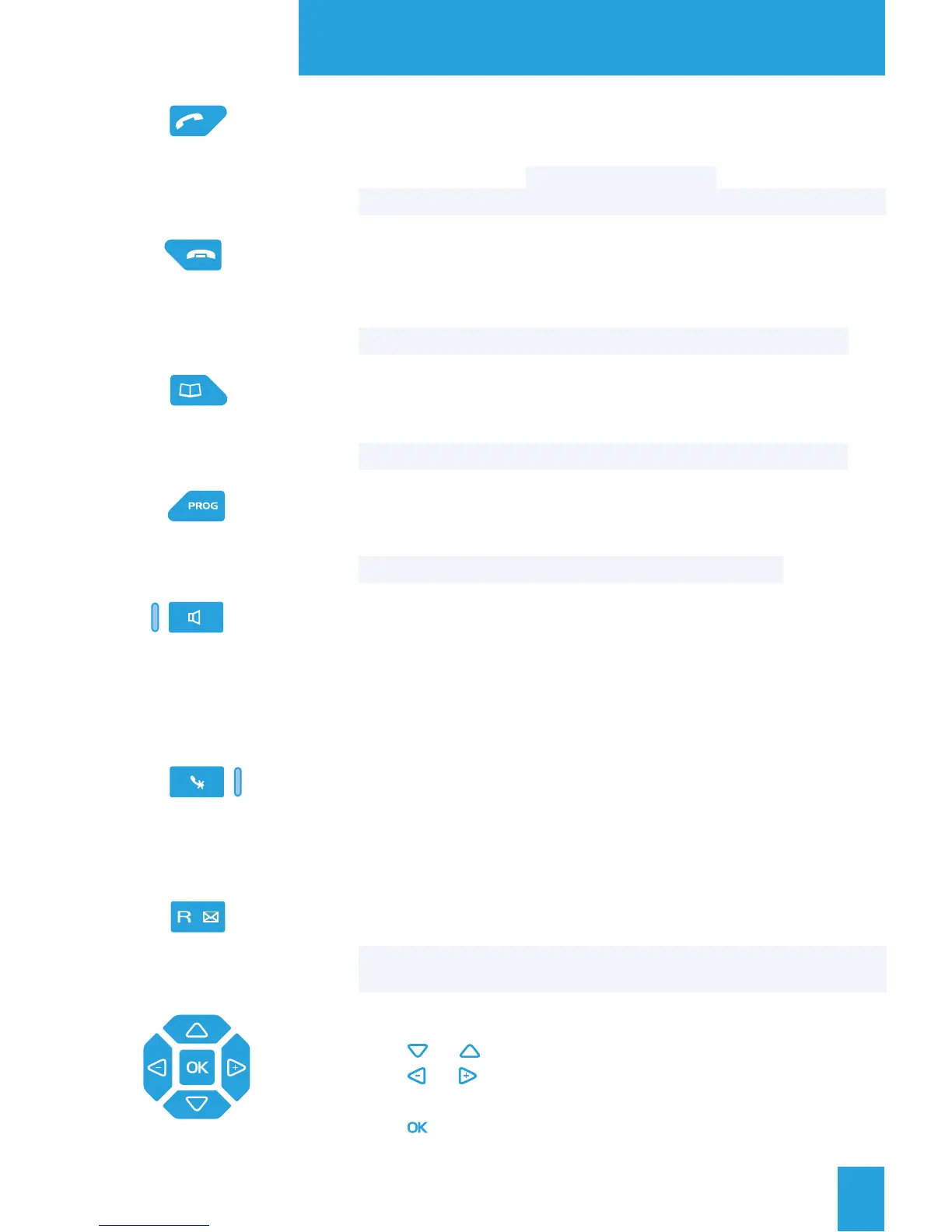
Green key: this is used
- to answer an incoming call in hands free mode,
- when the set is idle or in communication, to call back the last number
dialed (LNR function) or to access the LNR log,
- when consulting the directories and logs, to call the displayed number.
Red key: this is used
- to disconnect ringing during an incoming call,
- during a communication, to end the call,
- during programming, to cancel a setting or end a programming sequence,
- when the set is idle, to lock/unlock the set (hold down the key).
Directory key: used to activate the directory function when the set
is idle or in communication
- to call a personal abbreviated number,
- to consult and make calls from the directories and the call log.
Programming key: this is used to access
- the programming (numbers and functions),
- the settings for the set (rings and contrast),
- the customization of the set (directories management).
Loudspeaker key: this is used
- when the set is idle, to enable and to disable the intercom function,
- during an incoming call, to answer in hands free mode,
- during a call, to enable and to disable the loudspeaker and hands free
modes.
The associated lamp illuminates or blinks depending on the case.
Mute key: during a call, this key lets you to cut-off the microphone
(handset, hands free or micro-headset) and talk without your
correspondent being able to hear you.
The associated lamp illuminates to remind you that the feature has
been enabled.
R key (Flashing): during a call, this key is used to access dialing
(to call a second correspondent, for instance).
Voice mail direct access key: when the set is idle, this key is used
to call your voice mailbox.
Navigator: is made up of four direction keys and one central key.
- The or keys are used to display a selection or a record.
- The or keys are used to display additional information about
the record or to carry out a setting.
- The key is used to confirm a choice, a setting or an entry.


 To Next Page