Home
Eagle Eye
Watch
Watch
Page 21 (Message Type Switching)
Eagle Eye Watch - Message Type Switching
24 pages
Manual
Save Page as PDF
To Next Page
To Next Page
To Previous Page
To Previous Page
Loading...
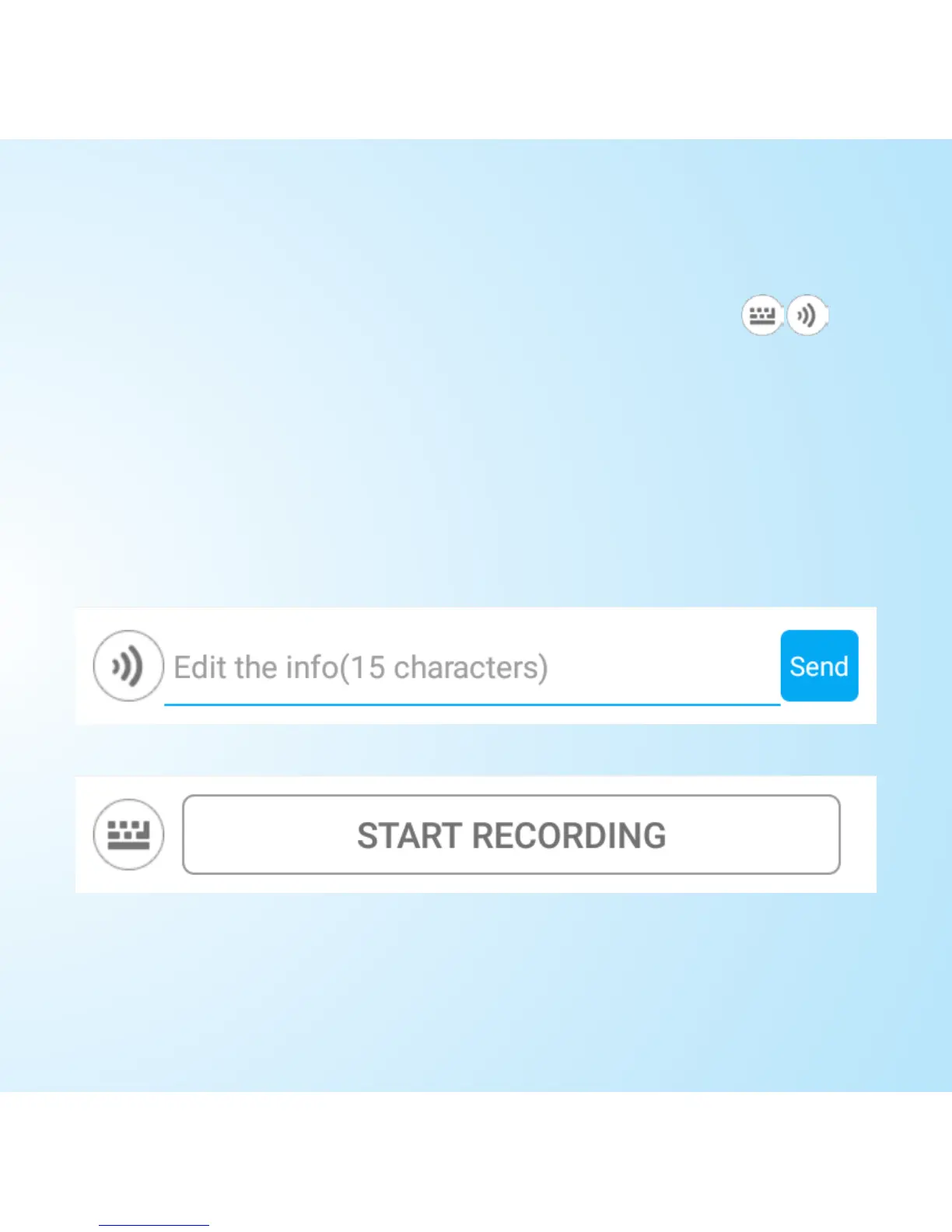
Changing between voice and text
To toggle between message types, tap the
button in the bottom left. This allows you to either
type a new message to send as text, or press and
hold the Start Recording button to send a voice
message.
20
22


 To Next Page