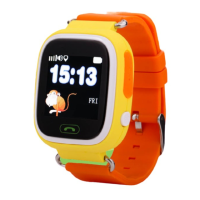
Conguration
To congure how often the watch sends its
location, tap Settings on the home screen and
press Location Update Schedule.
You can set the watch to send its location every 1
minute (Follow Mode), every 10 minutes (Normal
Mode) or every hour (Power Save Mode).
Note: The recommended setting is Normal
Mode (Update once every 10 minutes). Setting it
to Follow Mode (Update once a minute) is more
accurate, but will decrease battery life and increase
bandwidth usage on the watch’s SIM card.
GPS Real-time Positioning
Your watch allows you to locate the device in real-
time through the SeTracker app.
How to locate the watch
Open the SeTracker app and login.
Once you’re successfully signed in,
press the large Map button in the top
right of the app’s home screen.
This opens a map with a marker showing the last
known location of the watch, along with its battery
life.
Tip: When setting the watch up, please note that GPS will
only work when the watch is outdoors. When setting up,
please give a few minutes for GPS to work outside.


 To Next Page
 Loading...