6
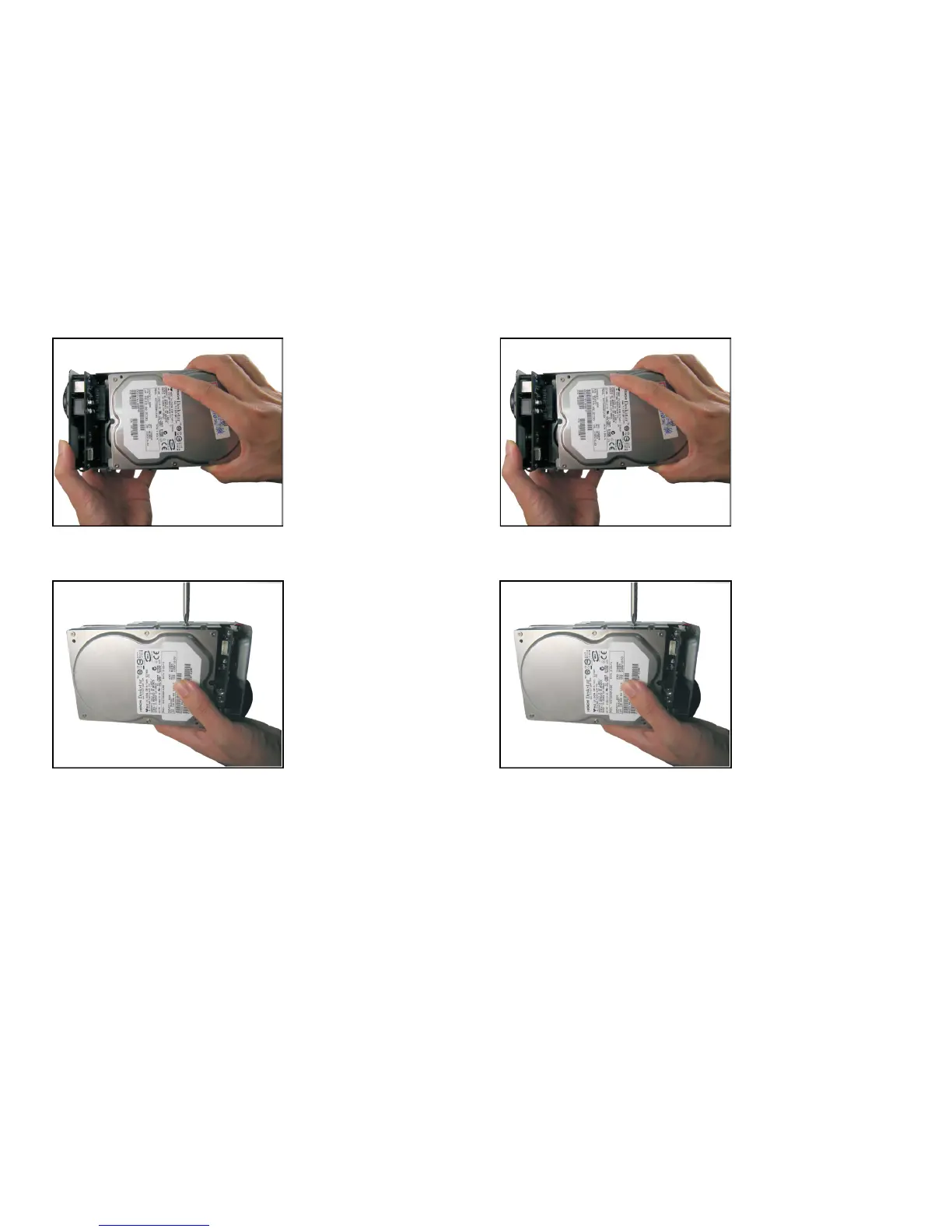
3. Slide the first SATA Hard Drive into the Disk Mounting Tray, and connect to the
SATA connector on the board.
4. Tighten up hard drive with 4 screws.
7
5. Place the second SATA Hard Drive into the Disk Mounting Tray, and connect to
the SATA connector on the board.
6. Tighten up hard drive with 4 screws.



 To Next Page