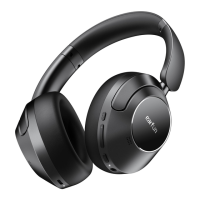
EarFun Wave
Wireless Headphones
User Manual
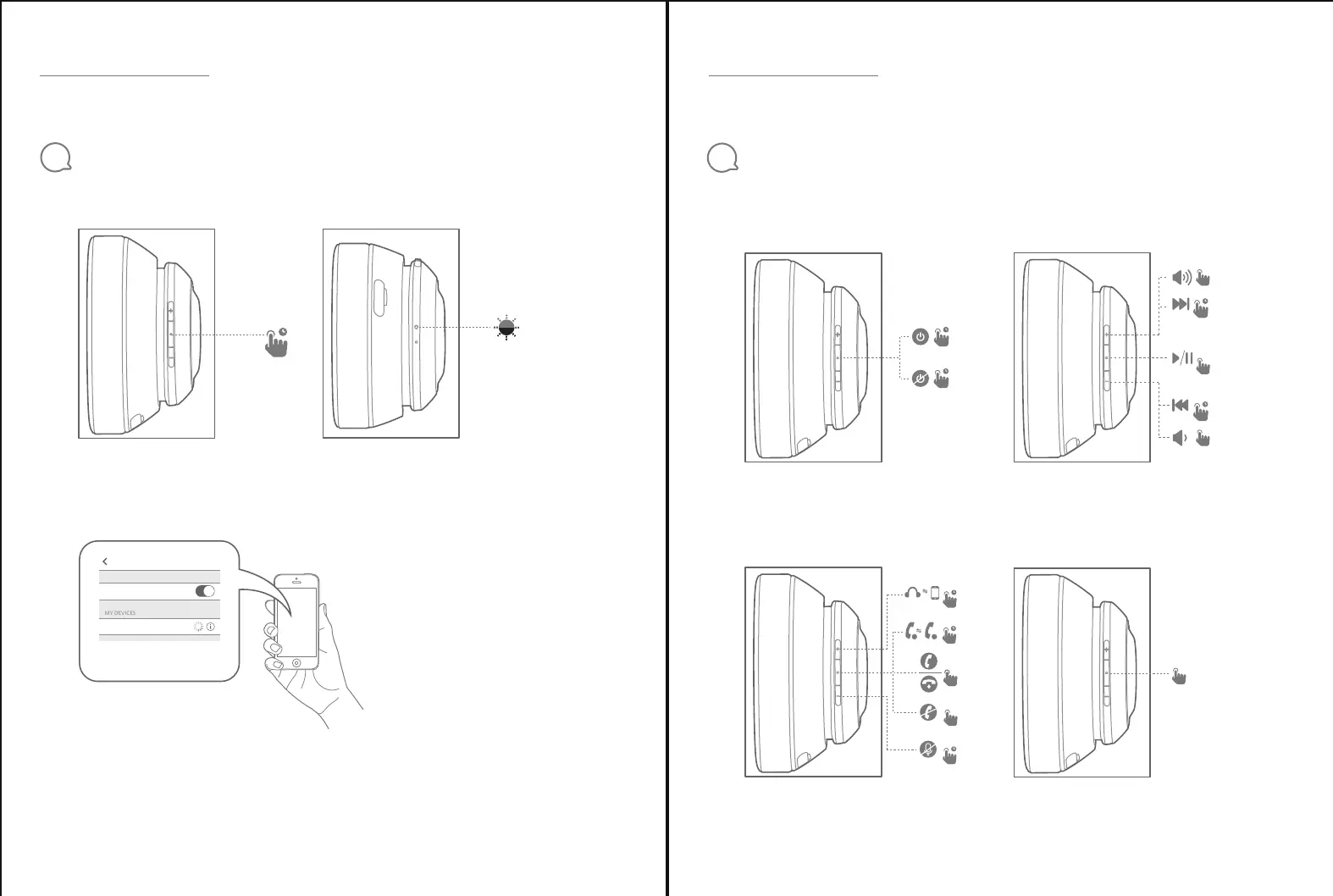
Step 1: Press and hold the MFB button for 2s to power on the headphone. It will automatically enter pairing mode (flash blue and red).
Step 2:Activate Bluetooth on your Bluetooth-enabled device and search for other Bluetooth devices.
Step 3: Select “EarFun Wave” from the list of Bluetooth devices shown (if a password is needed, type ‘0000’).
● In power-off mode, you can press and hold the MFB button for 5s to enter pairing mode to connect a new Bluetooth device.
● The headphones will automatically connect with the device they were last paired with when powered on.
Power On/Off
Hands-Free Call
Bluetooth® Connection
4
Notes:
EarFun Wave
Wireless Headphones
User Manual
Functions
5
EarFun Wave
Choose “EarFun Wave”
to connect
Bluetooth
BluetoothSettings
2s
2s
2s
2s
4s
1
2
x1
x2
2s
Playing Music
2s
2s
x1
x1
x1
Voice Assistant
x2



 To Next Page