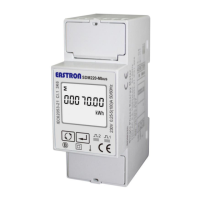
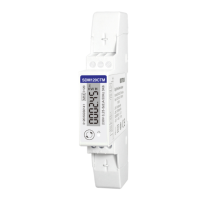
Eastron SDM220Modbus User Manual
Jiaxing Eastron Electronic Instruments Co.,Ltd. Tel: 0086-573-83698881 83698882 Fax: 0086-573-83698883
Address: No.1369 Chengnan Road, Jiaxing, Zhejiang, 314001, China. Web: www.eastron.com.cn Email: sales@eastron.com.cn
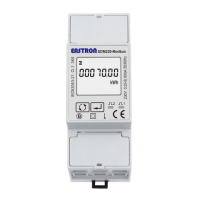
7 digits used to display measured values or RTC
Import information, Export information
Max. Demand for Power or Current
Pulse output 1 and Pulse output 2
PF = power factor Hz = frequency
PART 2 Operation
Initialization Display
When it is powered on, the meter will initialize and do self-checking.
Full screen software version Modbus ID Baud rate total kWh
Scroll display by Button
After initialization and self-checking program, the meter display the measured values. The default page is total
kWh. If the user wants to check other information, he needs to press the scroll button on the front panel.
The display order by scroll button :
Total kWh import kWhexport kWh total kVarh import kVarh export kVarh
Max. power demand voltage currentW Var VA power factor
frequency pulse constant Modbus ID baudrate.
The display order by scroll button :
Total kWh import kWhexport kWh total kVarh import kVarh export kVarh
Max. power demand voltage currentW Var VA power factor
frequency pulse constant Modbus ID baudrate.


 To Next Page
 Loading...