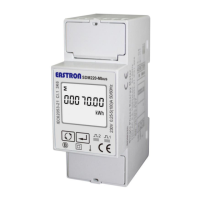
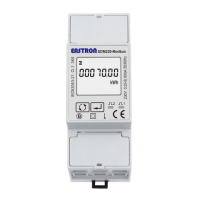
SDM230-LoRaWAN User Manual
2020 EASTRON EUROPE ALL RIGHTS RESERVED.
Press button eneter into the kWh/kVArh
reset page.
Press for 3s. The CLR will flash.
Press
again for 3s to confirm the
resetting.
4.2.8 Password
The screen shows the current password.
Default: 1000
Range: 0001-9999
Press for 3s, the current digit will flash.
Press
to choose the required digit,
press
to move to the next digit.


 To Next Page
 Loading...