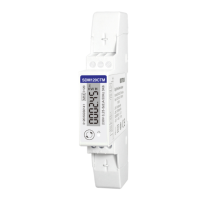
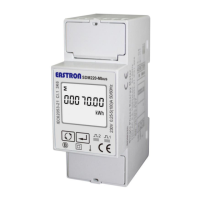
EASTRON SDM320-C User Manual
06-2018 V1.0
2018 EASTRON Electronic. All Rights Reserved. www.eastron.com.cn
Keep pressing for 3 second, the current
selection will flash, use and to
change the Baud rate. Options: 1200,
2400,4800,9600 ( default )
Keep press for 3s to confirm the
selection.
Keep pressing for 3 second, the current selection
will flash, use and to change the
Parity. Options: EVEN,ODD,NONE ( default )
Keep press for 3s to confirm the
selection.
Keep pressing for 3 second, the current
selection will flash, use and to
choose Pulse Constant. Options: 1000, 100, 10, 1
Example shows pulse constant 1000imp/kWh.
Please note: The LED rate for pulse is fixed with
1000imp/kWh.
Keep pressing for 3 second, the pulse will
flash, use and to choose Pulse
Duration. Options: 60, 100, 200ms
Example shows the Pulse Duration is 100ms.
Please note: When the Pulse Constant is
1000imp/kWh, the pulse duration is fixed with
35ms.


 To Next Page
 Loading...