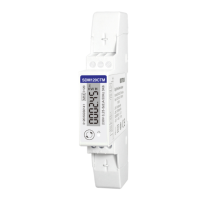
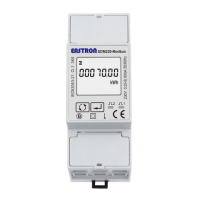
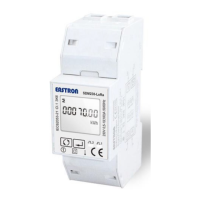
EASTRON SDM630-Modbus V2 User Manual
VoIPDistri.com - Voice over IP Distribution, Im Hagen 3, 33790 Halle Westfalen, Germany
Fon: +49 5201-73-00-30 | Fax: +49 5201-7829 | Mobil: +49 176 -204-2222-1
From the Set-up menu, use
and buttons to select the
System option. The screen will show the
currently selected power supply.
Press to enter the selection
routine. The current selection will flash
Use and buttons to
select the required system option:
1P2(W),3P3(W) ,3P4(W)
Press to confirm the selection.
SET indicator will appear.
Press to exit the system selection routine and return to the menu. SET will disappear
and you will be returned to the main Set-up Menu
Pulse output
This option allows you to configure the pulse output 1. The output can be set to provide a pulse
for a defined amount of energy active or reactive.
Use this section to set up the pulse output for:
Total kWh/ Total kVArh
Import kWh/Export kWh
Import KVArh/Export KVArh



 To Next Page
 Loading...