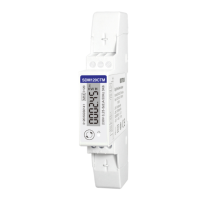
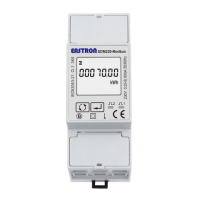
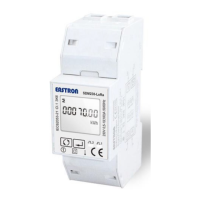
EASTRON SDM630-Modbus V2 User Manual
VoIPDistri.com - Voice over IP Distribution, Im Hagen 3, 33790 Halle Westfalen, Germany
Fon: +49 5201-73-00-30 | Fax: +49 5201-7829 | Mobil: +49 176 -204-2222-1
Press to enter the selection
routine. The current setting will flash.
Use and buttons to choose pulse width. On Completion of the entry
procedure, press to confirm the setting and press to return to the main set
up menu.
Communication
There is a RS485 port can be used for communication using Modbus RTU protocol. For Modbus
RTU, parameters are selected from Front panel.
RS485 Address
(The range is from 001 to 247)
From the Set-up menu, use and
buttons to select the Address ID
Press button to enter the
selection routine. The current setting will
be flashing.



 To Next Page
 Loading...