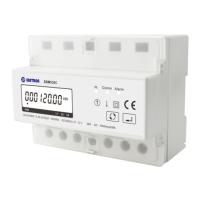
EASTRON SDM630MCT User Manual
Address: No.1369 Chengnan Road, Jiaxing, Zhejiang, 314001, China.
Tel: 0086-573-83698881/83698882 Fax: 0086-573-83698883 Web: www.eastron.com.cn
Press
routine. The current selection will flash.
3-1
Use
and
buttons to
select the required system option:
1P2(W), 1P3(W),3P3(W) ,3P4(W).
3-2
Press
to confirm the selection.
SET indicator will appear.
Press to exit the system selection routine and return to the menu. SET will disappear
and you will be returned to the main Set-up Menu
CT
The CT option sets the secondary current (CT2 1A or 5A) of the current transformer (CT) that
wires to the meter.
From the Set-up menu, use and
buttons to select the CT option.
2
Secondary CT setting
Press
secondary
routine.:5A/1A



 To Next Page
 Loading...