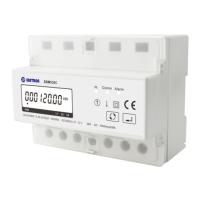
EASTRON SDM630MCT User Manual
Address: No.1369 Chengnan Road, Jiaxing, Zhejiang, 314001, China.
Tel: 0086-573-83698881/83698882 Fax: 0086-573-83698883 Web: www.eastron.com.cn
From the Set-up menu, use and
buttons to select the Pulse
output option.
2
Press
routine. The unit symbol will flash.
3
Use and
choose kWh or kVArh.
On completion of the entry procedure, press
to confirm the setting and press
to return to the main set up menu.
Pulse rate
Use this to set the energy represented by each pulse. Rate can be set to 1 pulse per
0.01kWh/0.1kWh/1kWh/10kWh/100/1000kWh.
(It shows 1 impulse = 10kWh/kVArh)
From the Set-up menu, use
and
Pulse Rate option.



 To Next Page
 Loading...