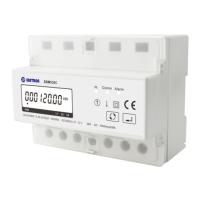
EASTRON SDM630MCT User Manual
Address: No.1369 Chengnan Road, Jiaxing, Zhejiang, 314001, China.
Tel: 0086-573-83698881/83698882 Fax: 0086-573-83698883 Web: www.eastron.com.cn
Go to phase A setting page
2
Press
routine. The Frd will flash.
Use
Rev.
Press to confirm the setting and press to return to the main set up menu.
Date Setting
Only SDM630MCT-MT display
1
From the Set-up menu, use
buttons to select the date
option.
2-1
Long press
selection routine. Th
digits will flash.
Use and buttons to set
set the digits and press
to
confirm your selection. The next digit will
flash.
R
epeat the procedure for the
remaining date setting.



 To Next Page
 Loading...