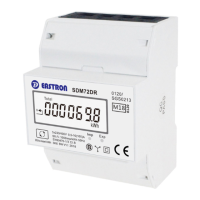
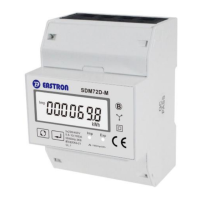
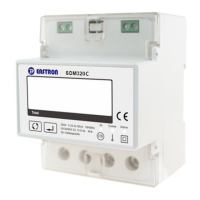
B+G e-tech and EASTRON SDM630MCT V2 User Manual
B+G e-tech GmbH www.stromzähler.eu info@bg-etech.de
Measurements
The buttons operate as follows:
Selects the Voltage and Current display screens
In Set-up Mode, this is the “Left” or “Back”
button.
Select the Frequency and Power factor display
screens
In Set-up Mode, this is the “Up” button
Select the Power display screens
In Set-up Mode, this is the “Down” button
Select the Energy display screens
In Set-up mode, this is the “Enter” or “Right”
button
Voltage and Current
Each successive pressing of the button selects a new range:
Phase to neutral voltages(3p4w)
Phase to neutral voltages(3p3w)



 To Next Page
 Loading...