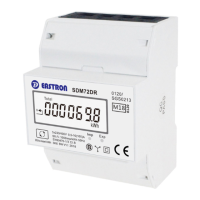
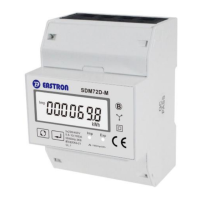
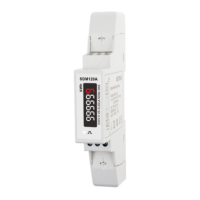
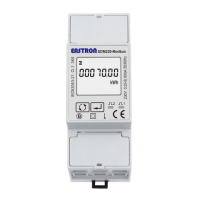
B+G e-tech EASTRON SDM72D-M User Manual V1.5 English version
B+G e-tech GmbH www.eastron-germany.de Seite 10 von 16
Set-up Mode
To get into Set-up Mode, the user need press the “Enter” button for 3 seconds.
Password
To get into Set-up mode, it asks a password
confirmation. Default password: 1000
Use and to enter correct
password.
The entering information is wrong. The operation
fails.
Keep pressing for 3 seconds, the current
selection will flash, use and to change
the Modbus address. Options: 1~247
Keep press for 3s to confirm the selection.
Keep pressing for 3 seconds, the current
selection will flash, use and to change
the Baud rate. Options: 1.2k, 2.4k,4.8k,9.6k
( default )
Keep press for 3s to confirm the selection.
Keep pressing for 3 second, the current
selection will flash, use and to change
the Parity. Options: EVEN,ODD,NONE ( default )



 To Next Page
 Loading...