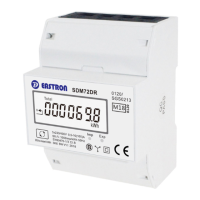
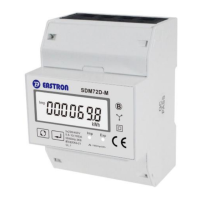
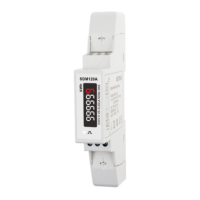
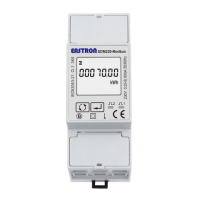
B+G e-tech EASTRON SDM72D-M User Manual V1.5 English version
B+G e-tech GmbH www.eastron-germany.de Seite 11 von 16
Keep press for 3s to confirm the selection.
Use to select the Password option. Keep
pressing for 3 seconds, the current selection
will flash, use and to enter the new
password. The range is from 0001 to 9999.
Keep press for 3s to confirm the selection.
Keep pressing button to exit the set-up mold.



 To Next Page
 Loading...