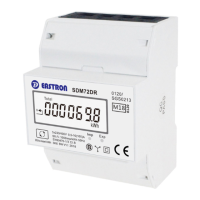
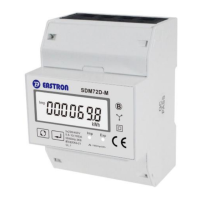
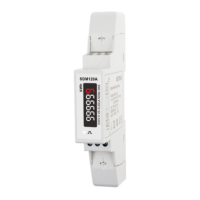
B+G e-tech EASTRON SDM72D-M User Manual V1.5 English version
B+G e-tech GmbH www.eastron-germany.de Seite 7 von 16
Buttons function
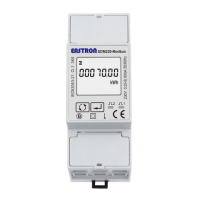
There are two buttons on the front panel.
>Scroll the display for data checking.
>Changing option at Set-up mode
>Exit the Set-up mode
>Set-up mode entry
>Confirmation
After initialization and self-checking program, the meter display the measured values. The default page is total
kWh. If the user wants to check other information, please press the scroll button on the front panel.
Total active energy(kWh)
Total=Import+ Export



 To Next Page
 Loading...