EN
Delete using the delete key button
In the in the photo or video mode: With the delete button you have the possibility to delete
the last current photo or video file.
Print
Photos can be printed to any Pict Bridge enabled printer
1. Select a photo to be printed
2. Press the Menu key.
3. Press the left/right keys to select the Print icon
4. Press the up/down keys to select: Print/Cancel.
5. Press the OK key to enter the print option
6. Should wireless printing fail please connect the camera to your printer via a USB cable.
MANUAL TRANSFER OF PHOTO AND VIDEO FILES TO A PC
1. Turn o n th e came ra.
2. Select playback mode
3. Connect the camera to a computer via a USB cable,
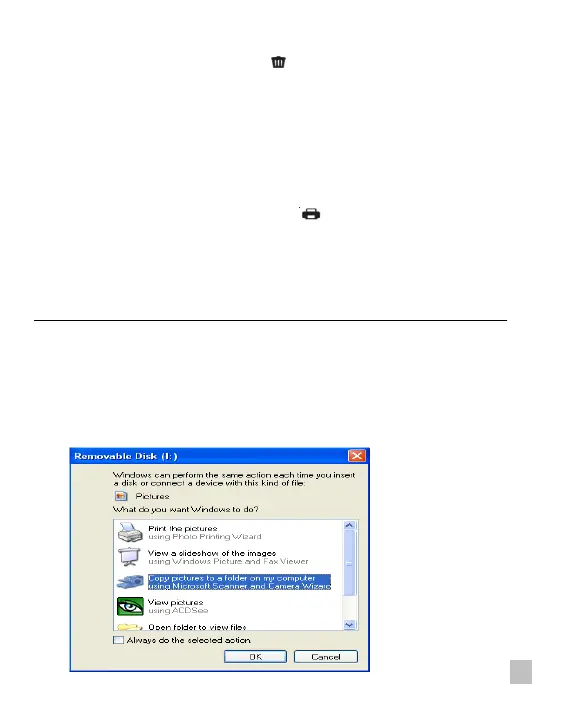
4. The removable disc image will pop up on the screen as shown below
5. Click the removable disk to view the photos, which will be stored in the sub file of DICM.
6. You can the copy and paste the photos to your chosen folder or location.















 To Next Page