EasyManua.ls Logo

Eberline ESP-1 - Page 34

Default Icon
96 pages
Print Icon
To Next Page IconTo Next Page
To Previous Page IconTo Previous Page
Loading...
Press
MODE.
If
Scaler
and
Inquiry/Calibration
Modes
are
disabled
the
display
will
look
like:
ALM
[ALARM
SETTING]
RATEMETER
READING
|
The
setting
of
"ALM
AT"
establishes
the
count
rate
at
which
the
alarm
sounds.
If
the
level
of
activity
exceeds
this
setting,
the
operator
will
be
alerted
by
a
2000-Hz
tone
emitted
by
the
speaker.
This
tone
will
sound
even
if
the
speaker
is
off
at
the
time
the
alarm
is
activated.
Pressing
SPKR
acknowledges
the
alarm,
silencing
it.
The
alarm
will
remain
silent
until
the
readout
has
dropped
below
the
alarm
setting
and
exceeded
it
again.
The
value
of
the
alarm
setting
can
be
increased
or
decreased
by
pressing
RESET
and
"+"
or
"-"
simultaneously.
When
the
desired
value
of
"ALM
AT"
is
displayed,
press
MODE
to
return
to
Rate
Meter
Mode.
NOTE
The
longer
RESET
and
"+"
or
"-"
are
depressed,
the
faster
{һе
value
changes.
This
facilitates
large
value
changes
in
a
relatively
short time.
Releasing
the
switches
and
depressing
again
will
retum
to
slower
value
changes.
This
applies
anytime
RESET
and
"+"
or
"-"
are
used
as
described
in
the
operations
that
follow.
When
the
ESP-1
is
in
the
Rate
Meter
Mode,
the
operator
may
adjust
the
full
scale
of
the
bar
graph
and
choose
fast
or
slow
ranges
of
response
time.
The
bar
graph
functions
essentially
as
a
graphic
presentation
of
detector
count
rate.
Pressing
RESET
will
position
the
end
of
the
bar
graph
at
a
point
that
is
33
percent
of
the
total
window
width
from
the
left
side
of
the
display.
As
an
example,
100
mR/h
is
displayed
as:
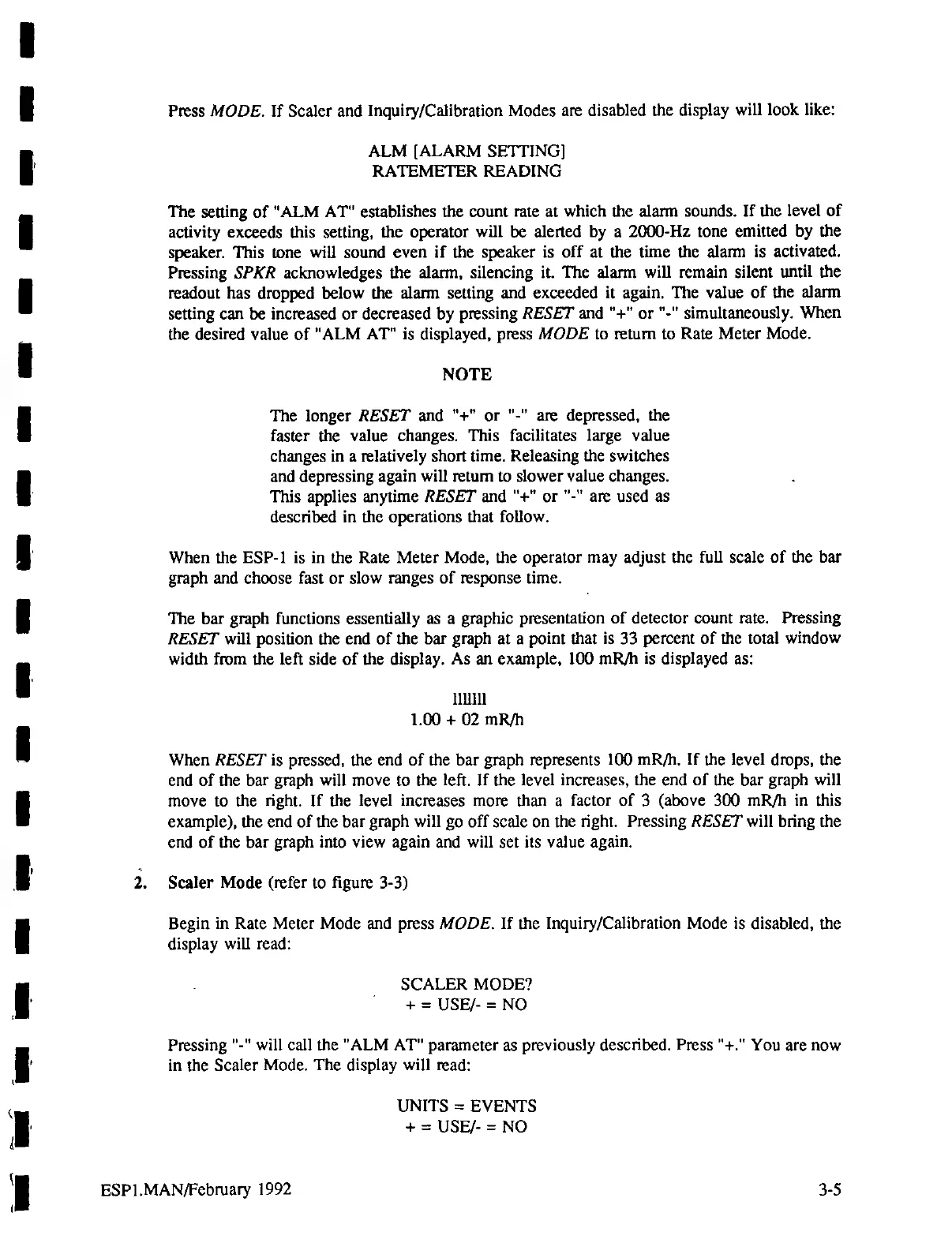
ШШ
1.00
+
02
mR/h
When
RESET
is
pressed,
the
end
of
the
bar
graph
represents
100
mR/n.
If
the
level
drops,
the
end
of
the
bar
graph
will
move
to
the
left.
If
the
level
increases,
the
end
of
the
bar
graph
will
move
to
the
right.
If
the
level
increases
more
than
a
factor
of
3
(above
300
mR/h
in
this
example),
the
end
of
the
bar
graph
will
go
off
scale
on
the
right.
Pressing
RESET
will
bring
the
end
of
the
bar
graph
into
view
again
and
will
set
its
value
again.
2.
Scaler
Mode
(refer
to
figure
3-3)
Begin
in
Rate
Meter
Mode
and
press
MODE.
If
the
Inquiry/Calibration
Mode
is
disabled,
the
display
will
read:
.
5САГЕК
МОРЕ?
+
=
USE/-
=
NO
Pressing
"-"
will
call
the
"ALM
AT"
parameter
as
previously
described.
Press
"+."
You
аге
now
in
the
Scaler
Mode.
The
display
will
read:
UNITS
=
EVENTS
+
=
USE/-
=
NO
ESP1.MAN/February
1992
|
3-5

Related product manuals