14. DEFINITIONS OF ASSEMBLY/DISASSEMBLY OF THE PARTS
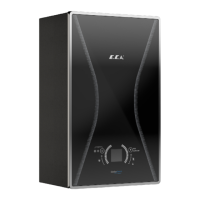
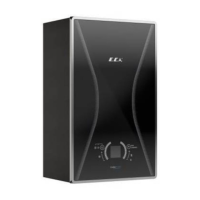
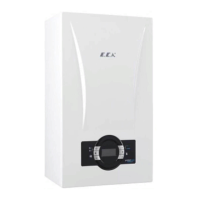
• Removing the front cover: Remove the 2 screws connecting the front glass panel, side sheets, and
bottom chassis and open the front glass panel.
Torque:4 ± 0.4 Nm
Then, remove the MMI cable that connects the mainboard box and the MMI card box from its connec-
tors.
Step 1 Step 2
Figure 17
Figure 18 Figure 19



 To Next Page
 Loading...