3.
Avoid interference. Keep the computer away from high capacity transformers, electric motors, and other
strong magnetic fields. These can hinder proper performance and damage your data.
4.
Follow the proper working procedures for the computer. Shut the computer down properly and don’t forget
to save your work. Remember to periodically save your data as data may be lost if the battery is depleted.
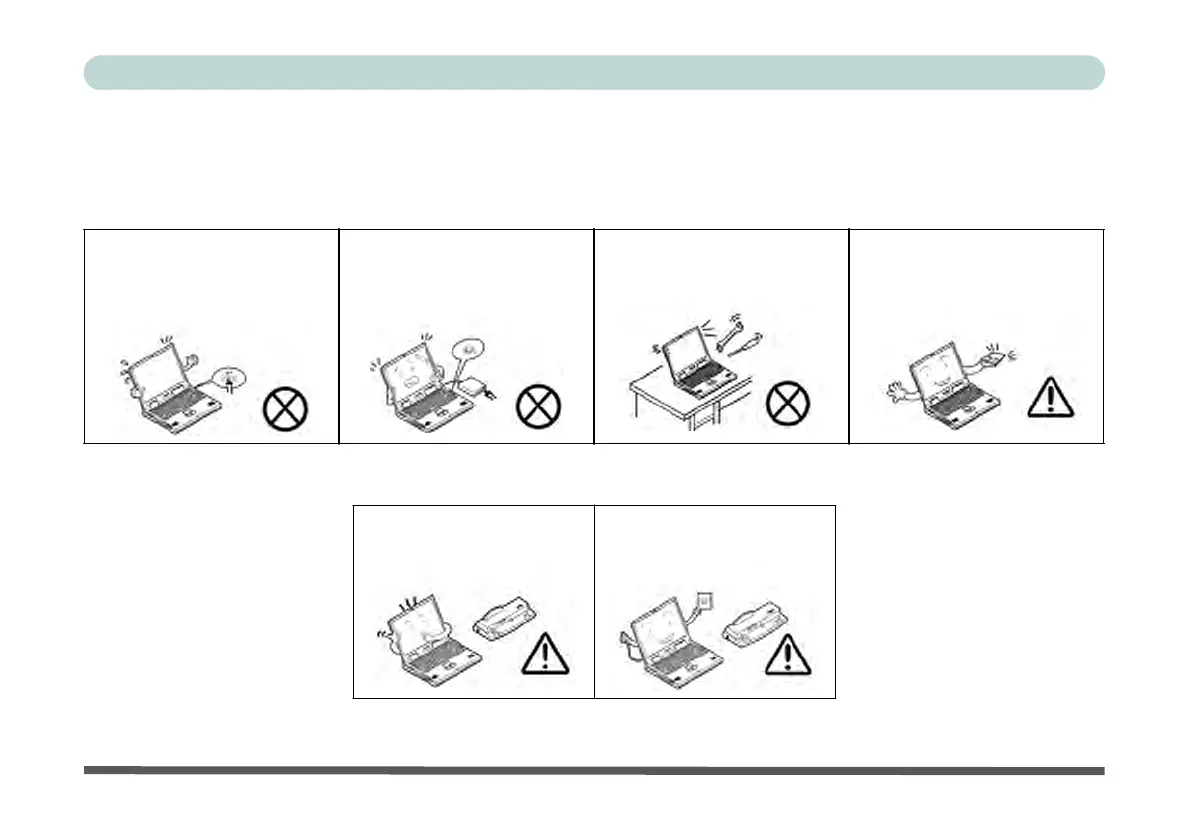
Do not turn off the power until
you properly shut down all pro-
grams.
Do not turn off any peripheral
devices when the computer is
on.
Do not disassemble the com-
puter by yourself.
Perform routine maintenance
on your computer.
5.
Take care when using peripheral devices.
Use only approved brands of
peripherals.
Unplug the power cord before
attaching peripheral devices.


 To Next Page
 Loading...