Battery Information 3 - 21
Battery FAQ
How do I completely discharge the battery?
Use the computer with battery power until it shuts down due to a low battery. Don’t
turn off the computer even if a message indicates the battery is critically low, just let
3
the computer use up all of the battery power and shut down on its own.
1.
Save and close all files and applications.
2.
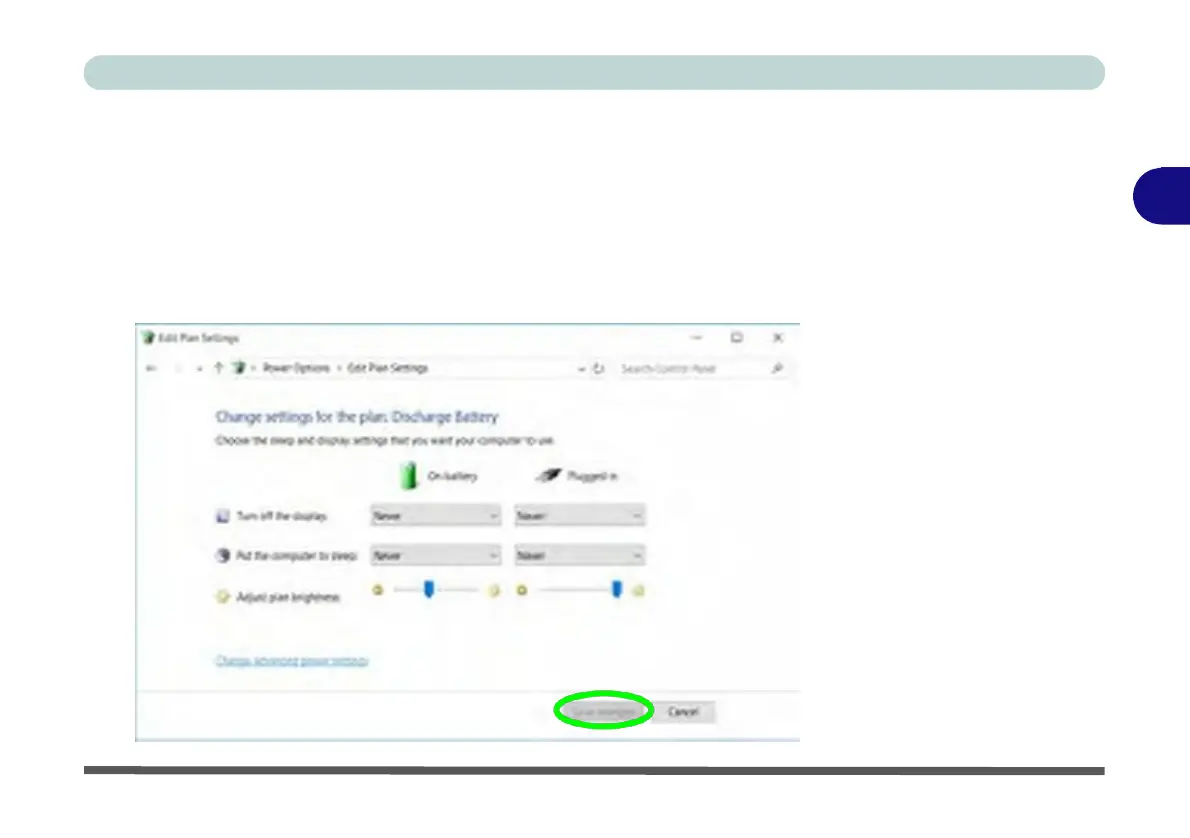
Create a power plan for discharging the battery and set all the options to Never.
Figure 3 - 14
Power Plan
Create



 To Next Page