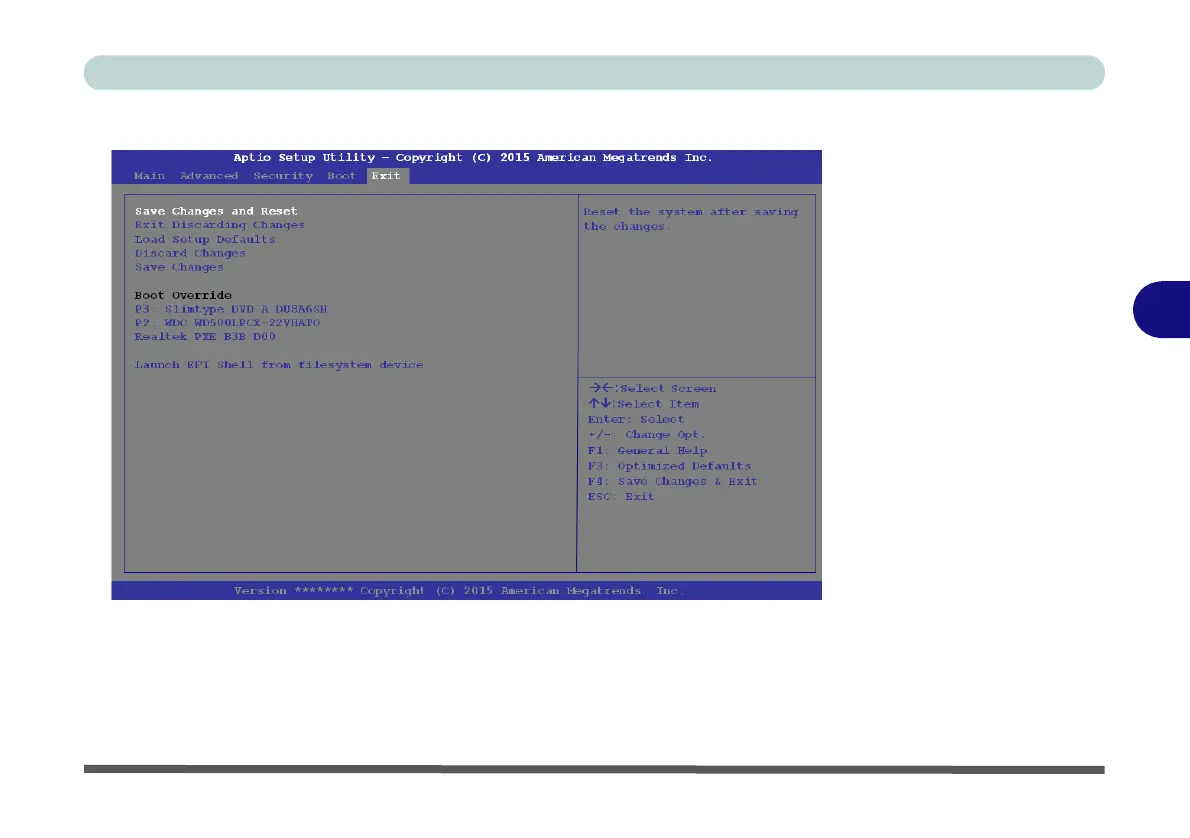
Exit Menu
Click Save Changes and Reset to save all changes made. Choosing to Discard
Changes, or Exit Discarding Changes, will wipe out any changes you have made
to the Setup. You can also choose to restore the original Setup defaults that will re-
turn the Setup to its original state, and erase any previous changes you have made
in
a
previous session.
Figure 5 - 9
Exit
Menu
5
Exit Menu 5 - 17



 To Next Page