6 - 6 Wireless LAN Module
6
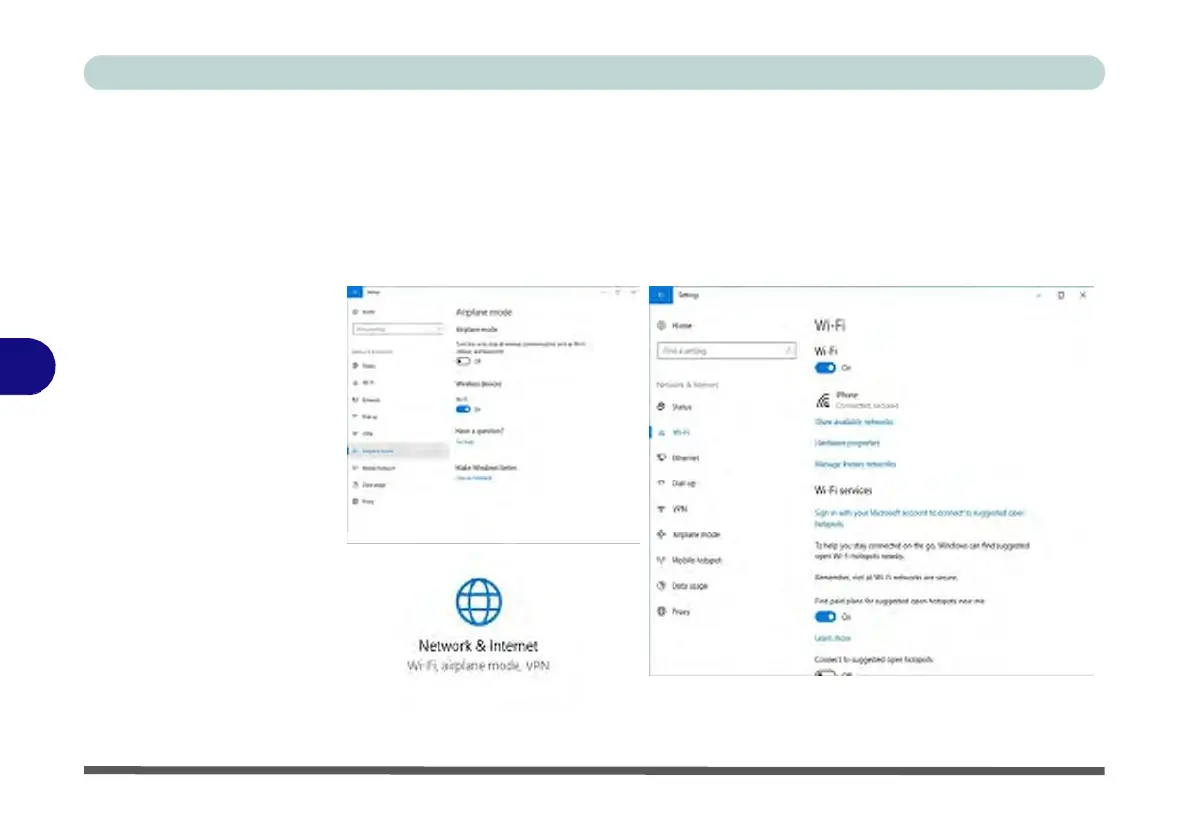
Figure 6 - 3
Network &
Internet
Settings
9.
You can click the Airplane Mode button to turn the mode On or Off.
10.
You need to either use Airplane Mode, or turn the WLAN module off aboard
aircraft.
11.
Network & Internet in Windows Settings will bring up a more comprehensive list
of network and internet settings including Wi-Fi (can be turned on/off), Airplane
mode (Airplane mode and Wireless devices can be turned on/off) VPN, Dial-up,
Ethernet and Proxy.



 To Next Page