Bluetooth & WLAN Combo Module 6 - 9
Bluetooth Configuration in Windows
1.
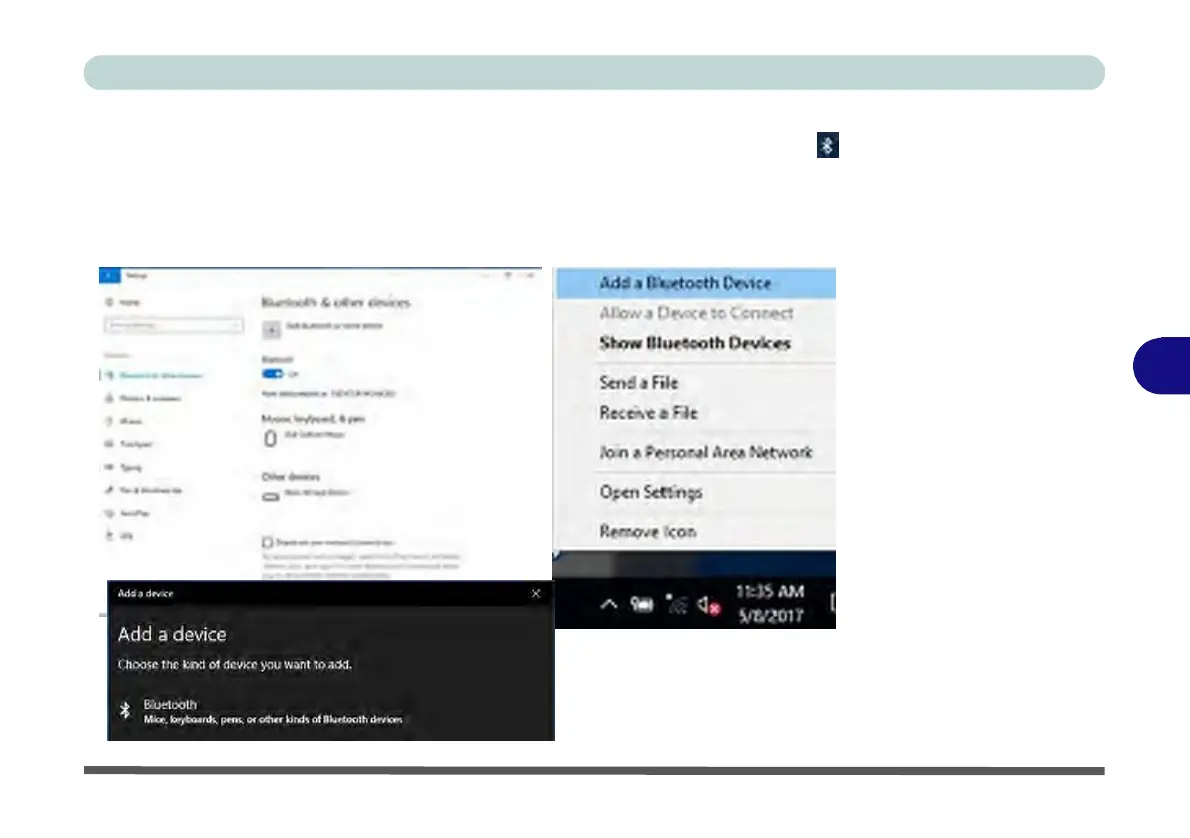
Go to the Settings control panel and click Devices (or click the Bluetooth icon
in the taskbar and click Add a Bluetooth Device).
2.
Click Bluetooth & other devices and make sure Bluetooth is On.
3.
Click Add Bluetooth or other device > Bluetooth (Add a device) and a list of
discovered devices will appear.
Figure 6 - 4
Settings >
Bluetooth
& Other
Devices
6
(Add a
Bluetooth
Device)
Figure 6 - 5
Add a
Device



 To Next Page