Trusted Platform Module 6 - 21
Enabling & Managing TPM
1.
Restart the computer.
2.
Enter the Aptio Setup Utility pressing F2 during the POST/startup.
3.
Use the arrow keys to select the Security menu.
4.
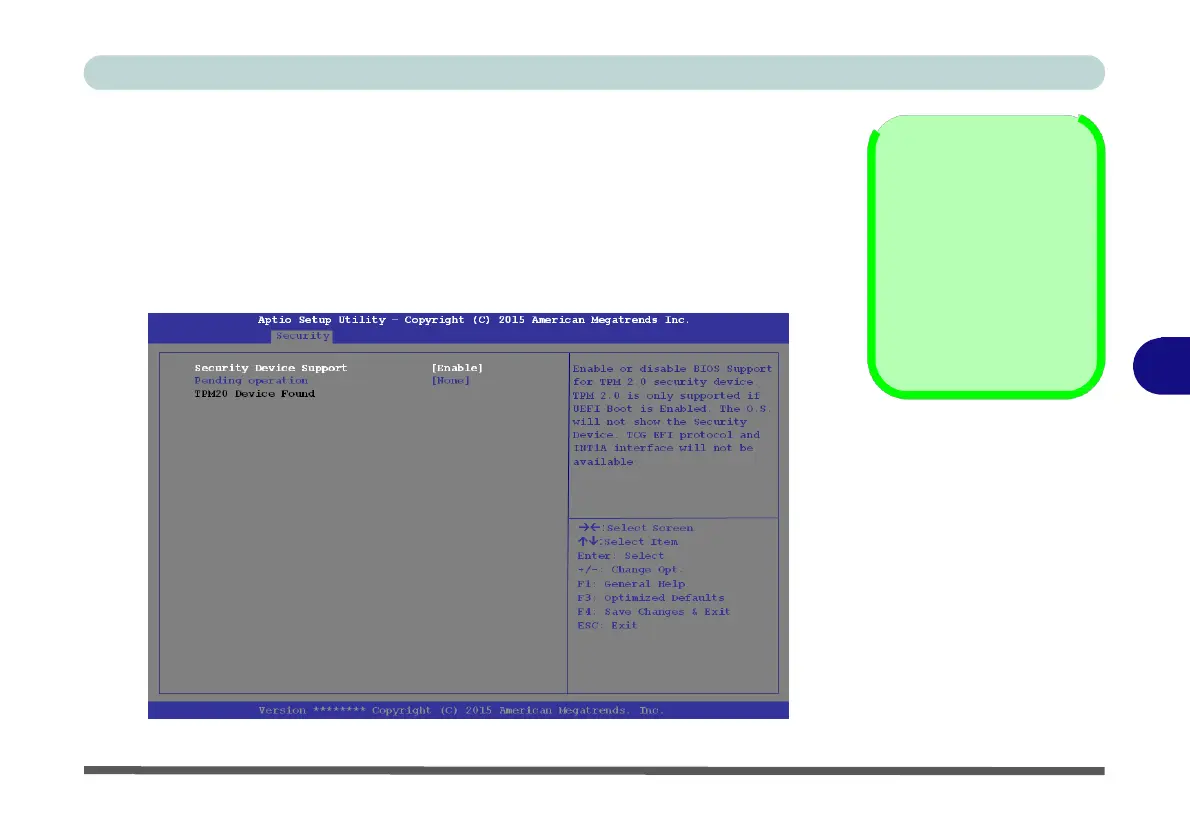
Select TPM Configuration and press Enter to access the sub-menu.
5.
Press Enter to access the Security Device Support menu and select Enable.
6.
Press F4 to save the changes and restart the computer.
7.
You can now manage the TPM from Windows.
Clearing
TPM
Information
You can select Pend-
ing operation, and
then select TPM clear
to clear existing TPM
information in order to
reset the TPM.
6
Figure 6 - 15
TPM State (Enable)


 To Next Page
 Loading...