C - 2 Intel® HD Graphics Control Panel
Intel® HD Graphics Control Panel
Advanced video configuration options are provided by the Intel® HD Control Pan-
el. To access the control panel see below and overleaf:
1.
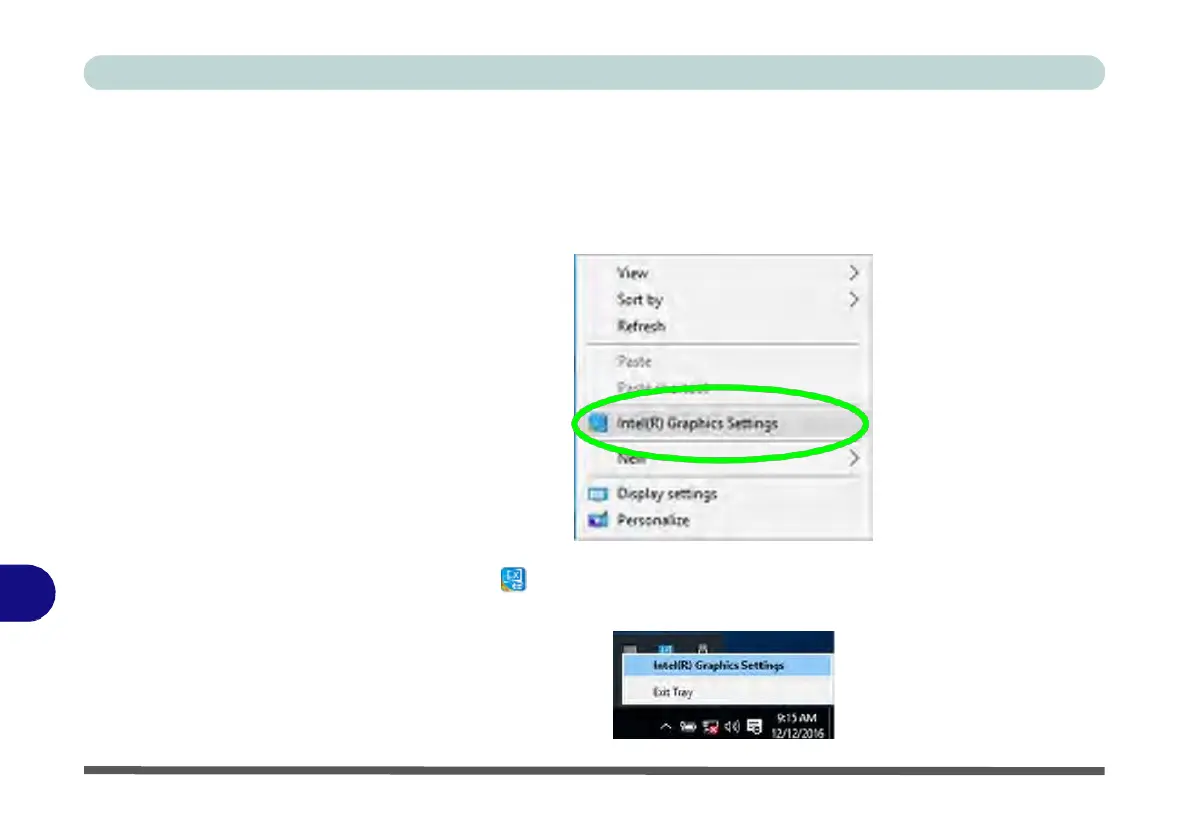
Right-click the Desktop and select Intel(R) Graphics Settings from the menu.
Figure C - 1
Right-Click Desktop
(Intel
Graphics
Settings)
C
Figure C - 2
Taskbar
Notification
Area Icon
Menu
OR
2.
Click the icon in the notification area of the Desktop taskbar and select Intel(R)
Graphics Settings from the menu.



 To Next Page