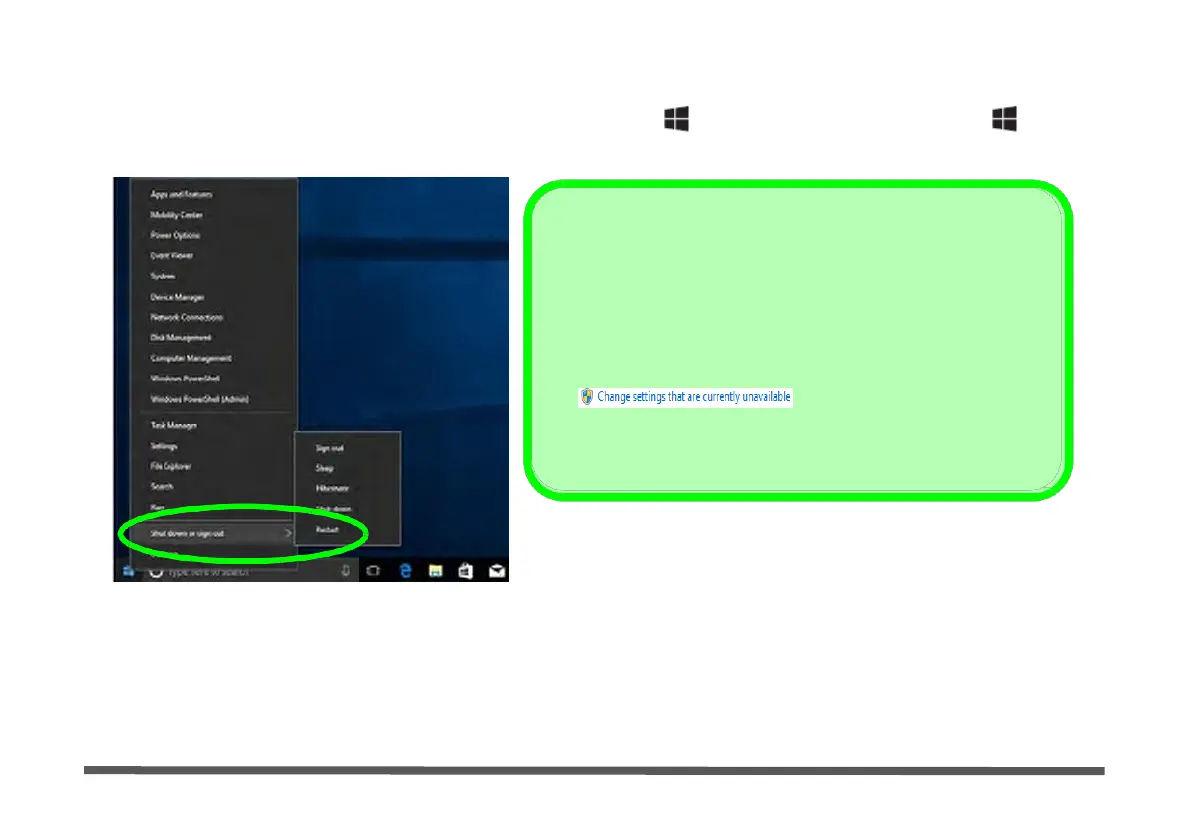
You can also use the context menu (right-click the Start Menu icon or press the Windows logo + X key
combination) to Sign out, Sleep, Hibernate, Shut down, and Restart.
Adding Hibernate/Sleep to the Power
Men
1. Go to the Power Options (Hardware and Sound) control
panel (or go to Windows Settings > Power & sleep >
Additional power settings).
2. Click Choose what the power buttons do.
3. Click “Change settings that are currently unavailable”
.
4. Click to put a check in the Hibernate/Sleep box under
Shutdown settings.
5. Click Save Changes and close the control panel.
Figure 1 - 24 - Context Menu Shut Down or sign out
Ctrl + Alt + Delete Key Combination
You can use the CTRL + ALT + DEL key combination to bring up a full-screen displaying Lock, Sign out,
Change a password, Task Manager and Switch User. If you click the Power icon in the lower right corner of
the screen a power management option menu appears to display Sleep, Hibernate, Shut down, and Restart.


 To Next Page
 Loading...