Storage Devices, Mouse, & Audio
2 - 6 Multi-in-1 Card Reader
2
Push-Push Card
Reader
The card reader fea-
tures a push-in/push-out
card insertion and ejec-
tion mechanism. Simply
push the card to insert
and eject it, however Ms
Duo cards require an
adapter.
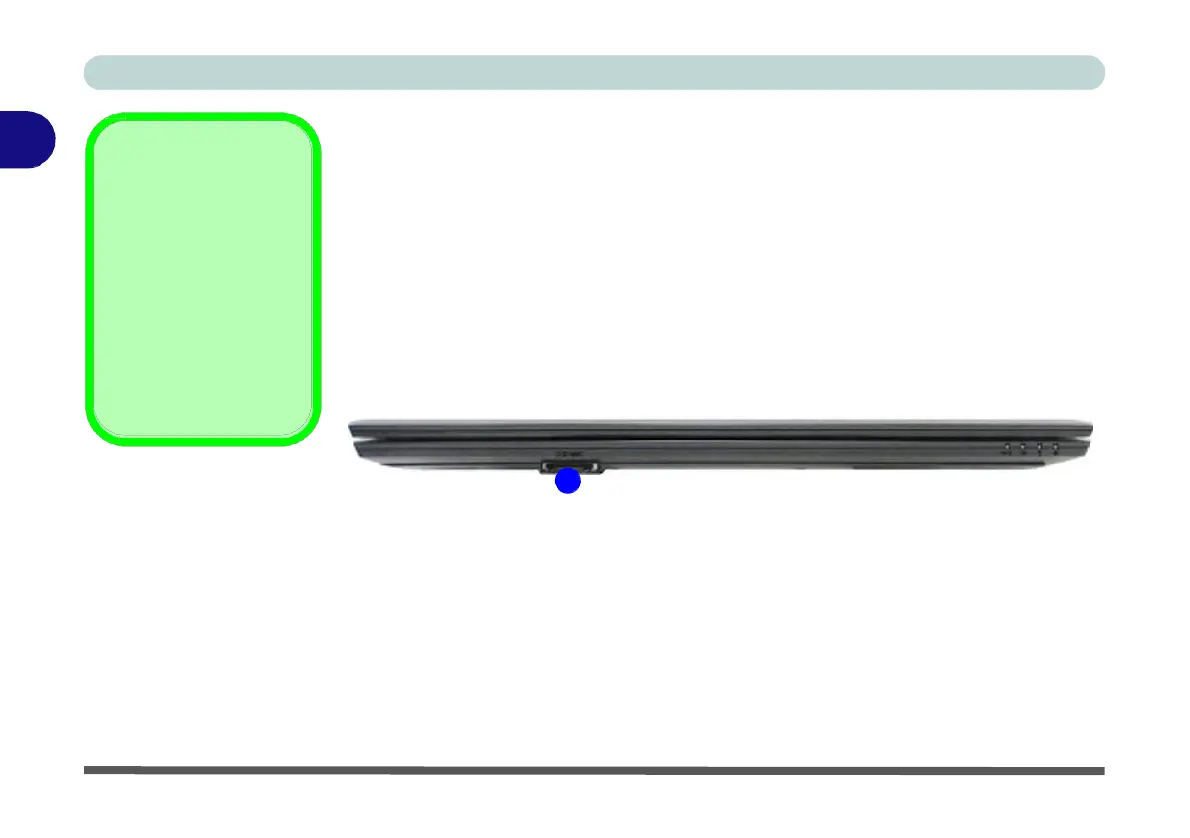
Multi-in-1 Card Reader
The card reader allows you to use some of the latest digital storage cards. Push the
card into the slot and it will appear as a removable device, and can be accessed in
the same way as your hard disk (s). Make sure you install the Card Reader driver
(see “Card Reader” on page 4 - 7).
•
MMC (MultiMedia Card) / RSMMC
•
SD (Secure Digital) / Mini SD / SDHC / SDXC
Note: Some of these cards require PC adapters that are usually supplied with the
cards.
1
Figure 2 - 3
Front View
1. Card Reader


 To Next Page
 Loading...