Storage Devices, Mouse, & Audio
2 - 14 Touchpad Configuration
2
PalmCheck™
In order to improve
Clickpad/Touchpad
scrolling responsive-
ness when using one-
finger scrolling, you can
adjust the PalmCheck™
slider towards “Mini-
mum” as per your pref-
erence.
However bear in mind
that adjusting the slider
too far towards “Mini-
mum” can turn off Palm-
Check™ altogether.
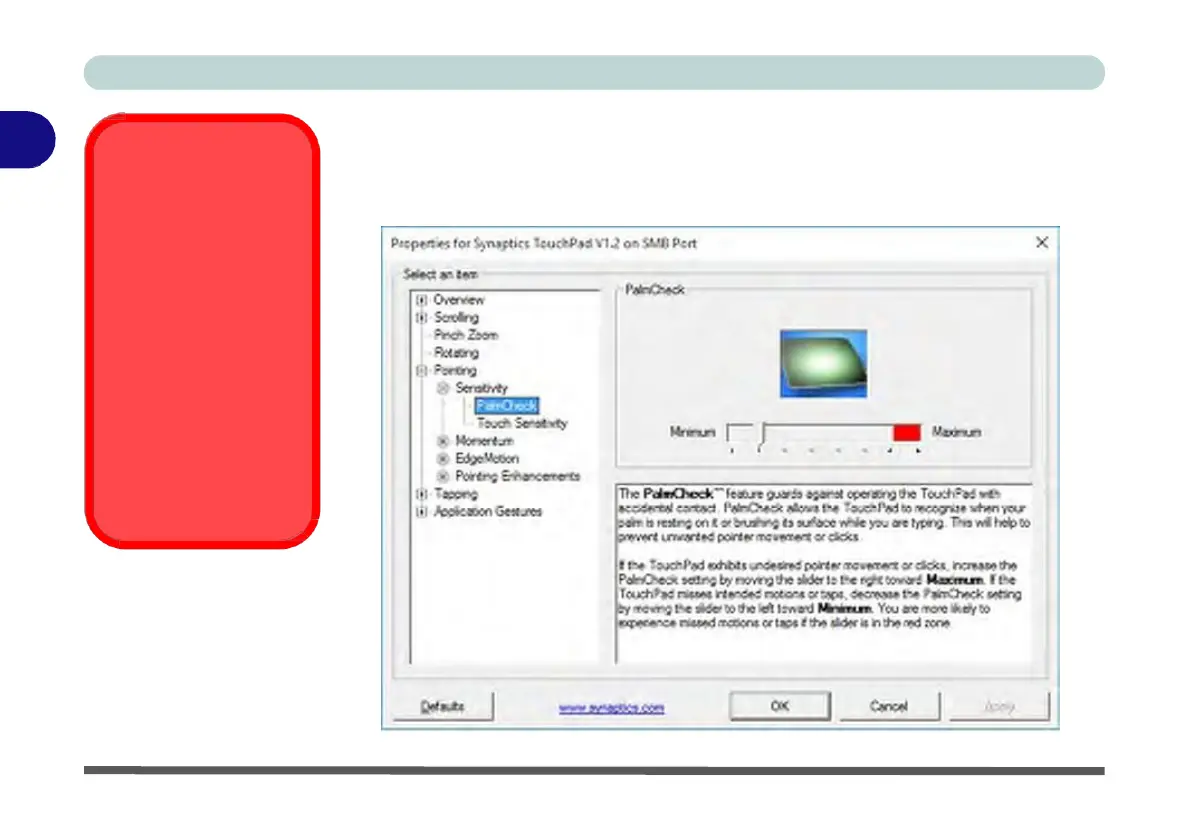
Figure 2 - 10
PalmCheck™ Slider
PalmCheck™
The PalmCheck™ feature (Device Settings > Settings > Pointing > Sensitivity)
helps prevent operating the Clickpad/Touchpad by accident, by recognizing when
your palm is resting on it or brushing its surface while you are typing.


 To Next Page
 Loading...