Configuring the Power Buttons 3 - 9
Configuring the Power Buttons
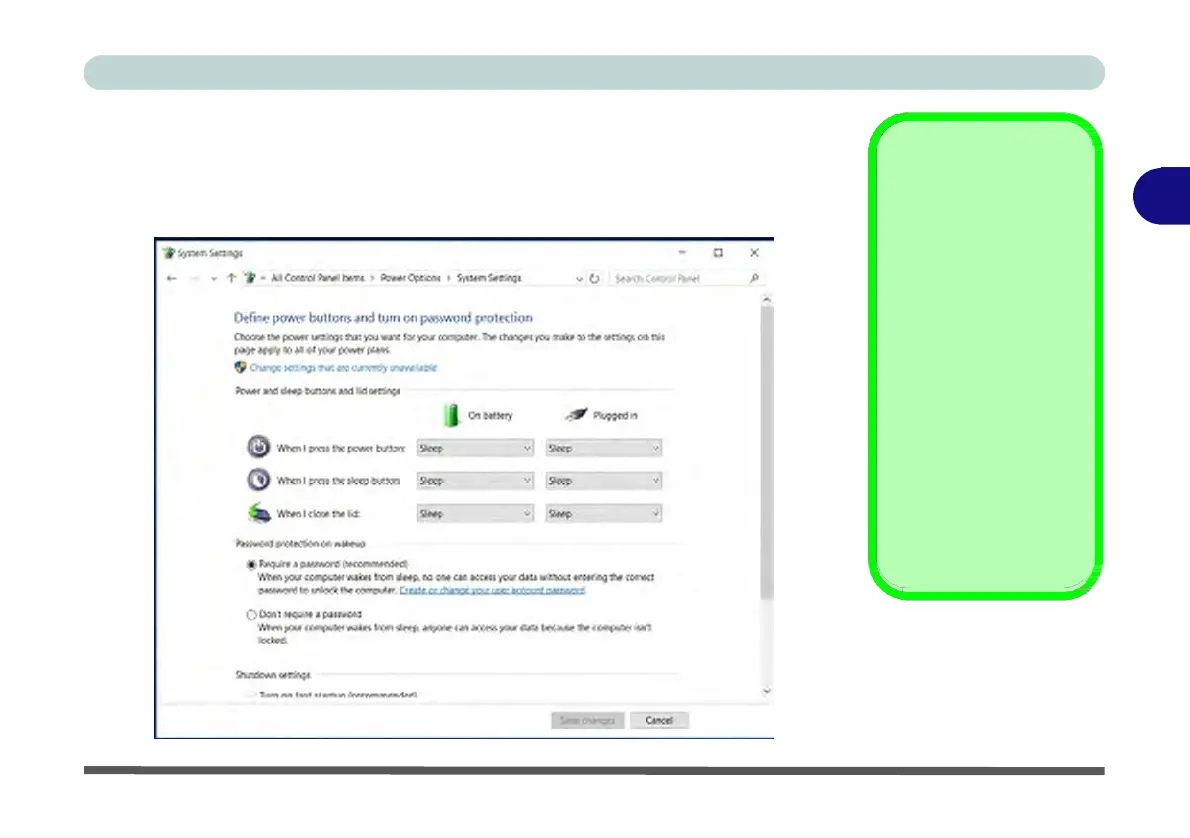
The power/sleep button (Fn + F12 key combo) and closed lid may be set to send the
computer in to a power-saving state. Click Choose what the power buttons do on
the left menu in Power Options to bring up the menu.
Password
3
Protection
It is recommended that
you enable a password
on wake up in order to
protect your data.
However you can dis-
able this setting from the
Power Options menu
by clicking Require a
password on wakeup
in the left menu, and se-
lecting the options (click
Change settings that
are currently unavail-
able).
Figure 3 - 5
Power
Options
Define
Power
Buttons


 To Next Page
 Loading...