3 - 18 Battery Information
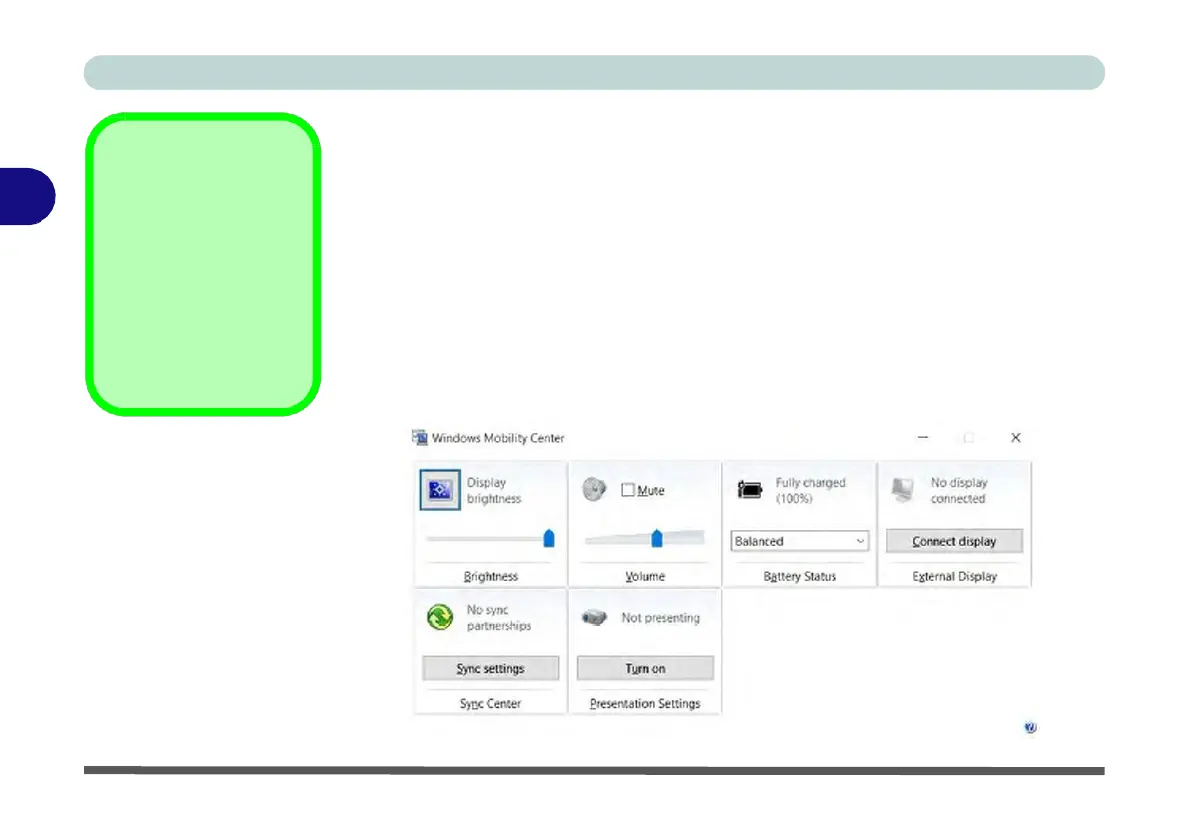
Windows Mobility
Center
The Windows Mobility
Center control panel
provides an easy point
of access for information
on battery status, power
plans used and wireless
device status etc.
Figure 3 - 13
Windows
Mobility
Center
(Control
Panel)
Conserving Battery Power
•
Use a power plan that conserves power (e.g Power saver), however note that
this may have an affect on computer performance.
•
Lower the brightness level of the LCD display. The system will decrease LCD
brightness slightly to save power when it is not powered by the AC/DC adapter.
•
Reduce the amount of time before the display is turned off.
•
Close wireless, Bluetooth, modem or
communication
applications when they are
not being used.
•
Disconnect/remove any unnecessary external devices e.g. USB devices,
ExpressCards etc.


 To Next Page
 Loading...