Installation Guide
Installation Guide
5
email - support@aampglobal.com
tel - 800-477-2267
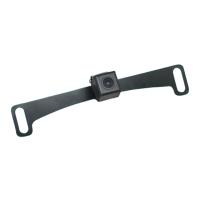
Out of the Box:
License Plate Bracket
The license plate bracket is
mounted to the camera when
you take it out of the box.
To Use Lip Mount Bracket:
Follow these steps to replace
the License Plate Bracket with
the Lip Mount Bracket.
Step 1
Remove the screws on each
side of the camera to remove
the license plate bracket.
-Screwdriver not included
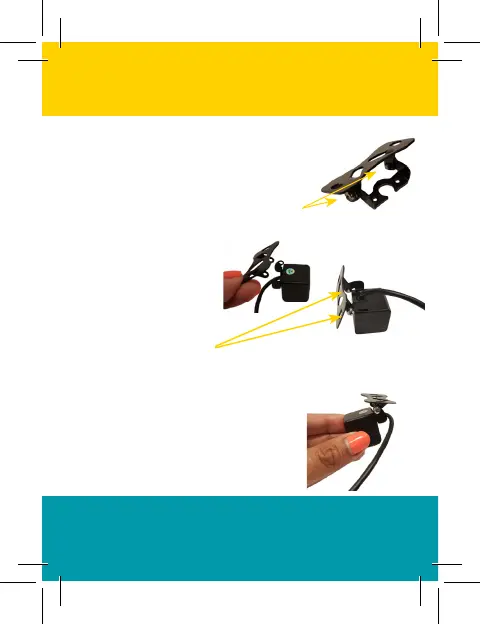
Step 2
Out of the Box: Lip Mount Bracket
Unscrew the screws on each
side of the lip mount bracket.
-Be careful to not lose the lock washers!
Step 3
Align the brackets
and replace the
screws and
lock washers.
Lip Mount Bracket is Now
Ready for Install
The camera is now ready to
mount to the vehicle’s lip.
-Screws and adhesive provided


 To Next Page
 Loading...