14 05.10.2015 BA-21907-006-EN
EN
6.4. ADJUSTMENT OF WATER HARDNESS
NOTE: To enter the menu for setting the softener, see section 6.1.
(previous page).
NOTE:
– With optional softener only.
– To adjust the softener to the local water hardness (obtain details
from local water authority:
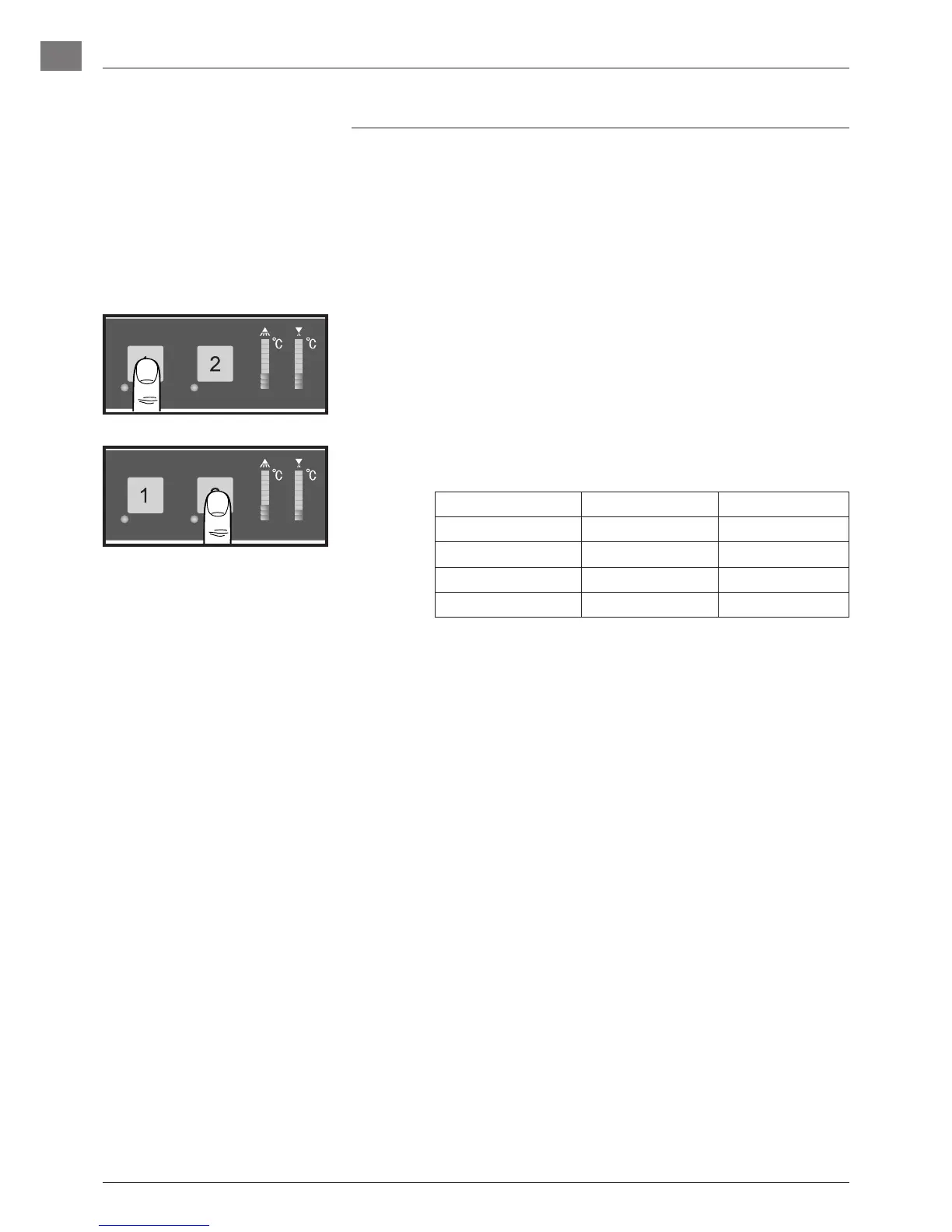
– Push Program button “1” again until
• LEDs 1 to 3 illuminate in the left display
– Push Program button “2” repeatedly, until the LEDs in the left dis-
play correspond to the required value.
LED "on" Range Water hardness*
11 H01 up to 7°eh
11 and 12 H02 8 to 14°eh
11 to 13 H03 15 to 21°eh
11 to 14 H04 22 to 30°eh
*(°eh = Clark)
6. SETTINGS



 To Next Page