ACCESSOIRIES
• Powerbank
• USB-Cable - Apple 30 Pin Connector
• USB-Carge Cable - Micro USB
TIP !!
Use your original device cable and Charger
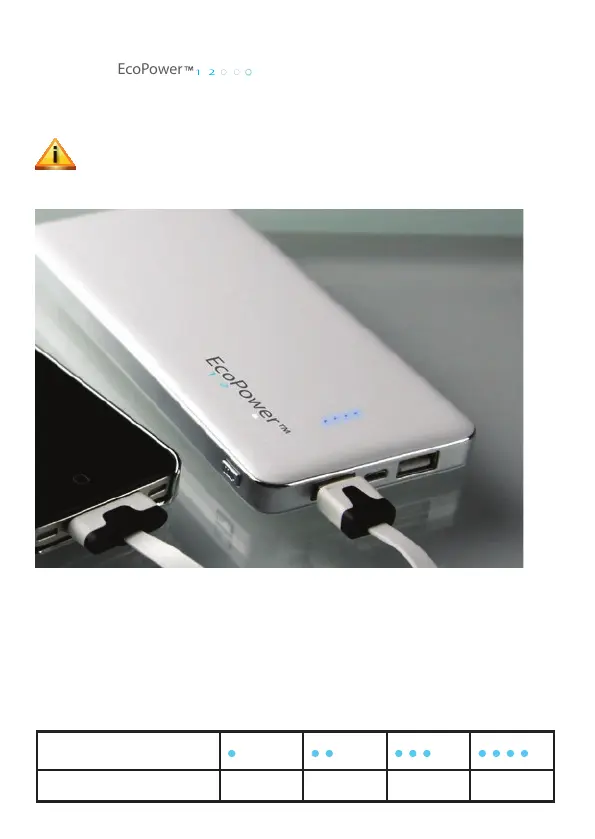
BATETERY INDICATOR
• Press of the switch button (on / off) which turns on the power bank and
gives you a charge indication
• The 4 LEDs indicate the current state of charge. More lit LED’s, indicate a
higher state of charge.
• If no device is connected, the unit turns off automatically after about 5
seconds. When the unit is off, the LED‘s will not be lit.
Power indicator LED
Capacity remain 25% 50% 75% 100%



 To Next Page