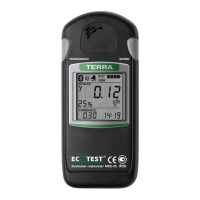
In the mode of data communications control with the PC the radiometer’s LCD
displays the following information (Figure 26):
- alarm clock symbol (1) (if the alarm clock is on);
- battery status symbol (2);
- “PC” symbol (3);
- current time (4).
2.3.3.10.2 Press shortly the THRESHOLD button to activate data
communications with the PC. The LCD of the radiometer displays the Bluetooth
symbol, the “PC” symbols start blinking and the radiometer starts establishing the
connection with the PC, with which a successful data communications has already
been performed. The custom-made software should be launched on the PC at this
time.


 To Next Page
 Loading...