Master Power Switch
& Connections
Master Power Switch
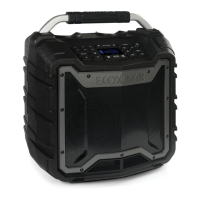
EcoEdge+ has a separate Master
Power Switch and a Standby
Button. The switch MUST be set
to the ON position to power your
EcoEdge+. Once the switch is set
to ON, use the Standby Button
located on the top panel to turn
the unit On/Off.
NOTE: When not in use for
extended periods, turn the Master
Power off to preserve battery life.
IMPORTANT: Standby Power
function will NOT operate when
the Master Power is set to OFF.
AUDIO
AUX-IN
INPUT
ONOFF
Audio AUX-IN
Connect an audio device using
the 3.5mm cable connection
as an alternative to a Bluetooth
connection to your EcoEdge+.
NOTE: Volume level must
be controlled from the audio
device when connected to the
AUX-IN connection.
Input
Connect the USB cable to the
USB micro Input to charge
your EcoEdge+.
RECOMMENDATION: Use the
USB cable included in the box.
NOTE: Charge time from low
to full charge is approximately
3 hours.
While playing audio, EcoEdge+
can be charged.
CAUTION: Do NOT charge if
unit and/or connections are
wet or damp.



 To Previous Page
 Loading...