12
Notes:
· This function only adjusts the external microphone input jack.
· The internal microphone used for EcoTalk (the activation of voice
assistants, such as Siri and OK Google, on your device), and phone calls
is not independently adjustable from the Master Volume.
Source Button
Press SOURCE briefly to cycle through the following modes:
BT (Bluetooth), FM, AM, AUX 1.
Play Music (Bluetooth Mode)
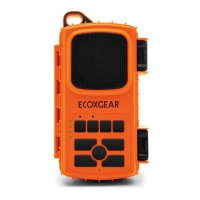
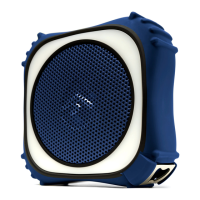
After the EcoTrek is connected to your Bluetooth device, press
briefly on the EcoTrek to play, press again to pause.
Press briefly to play previous song. Press briefly to get the
next song.
Press to adjust the volume.
Notes:
· Pair and connect your Bluetooth device with EcoTrek before using
this feature.
· If a call is received when you are listening to music, the music will
pause automatically.
· You can also control Volume and Play / Pause music operations from
your Bluetooth enabled device.


 To Next Page
 Loading...