3
Thank you for choosing C-PEN™. With the C-Pen you may scan text and digits. Text
editors, e-mail clients, business software and web browsers are all examples of
programs able to receive text from the C-Pen. You can collect text from books,
magazines, documents, invoices etc. simply by scanning the text with the C-Pen. The
text will be inserted exactly where you want it. Just place the cursor in your favourite
application and scan with the C-Pen.
Contents of the Package
- C-Pen 3.0
- USB
®
cable
- Voucher (one free dictionary license)
- C-Pen CD-ROM with software and C-PAD™ (PDF file)
- Quick Start Guide (this document)
1. Install the C-Pen Core Software
IMPORTANT! Do NOT connect the C-Pen before the software is installed.
In the package you will find a CD-ROM which contains the installation program.
a. Close all open applications on the PC.
b. Insert the CD-ROM in your CD-ROM/DVD drive. The
installation starts automatically. If the installation does not
start, browse to your CD-ROM drive and double click the
file setup.exe.
c. Follow the instructions on the screen. A message is displayed
when the installation is complete.
d. The C-Pen Core software will automatically launch after the installation has been
completed.
If you have lost the CD you can download the latest version of the C-Pen Core
software directly from http://www.cpen.com/latest.
The C-Pen Core software is the main software that will make it possible to scan text to
the cursor.
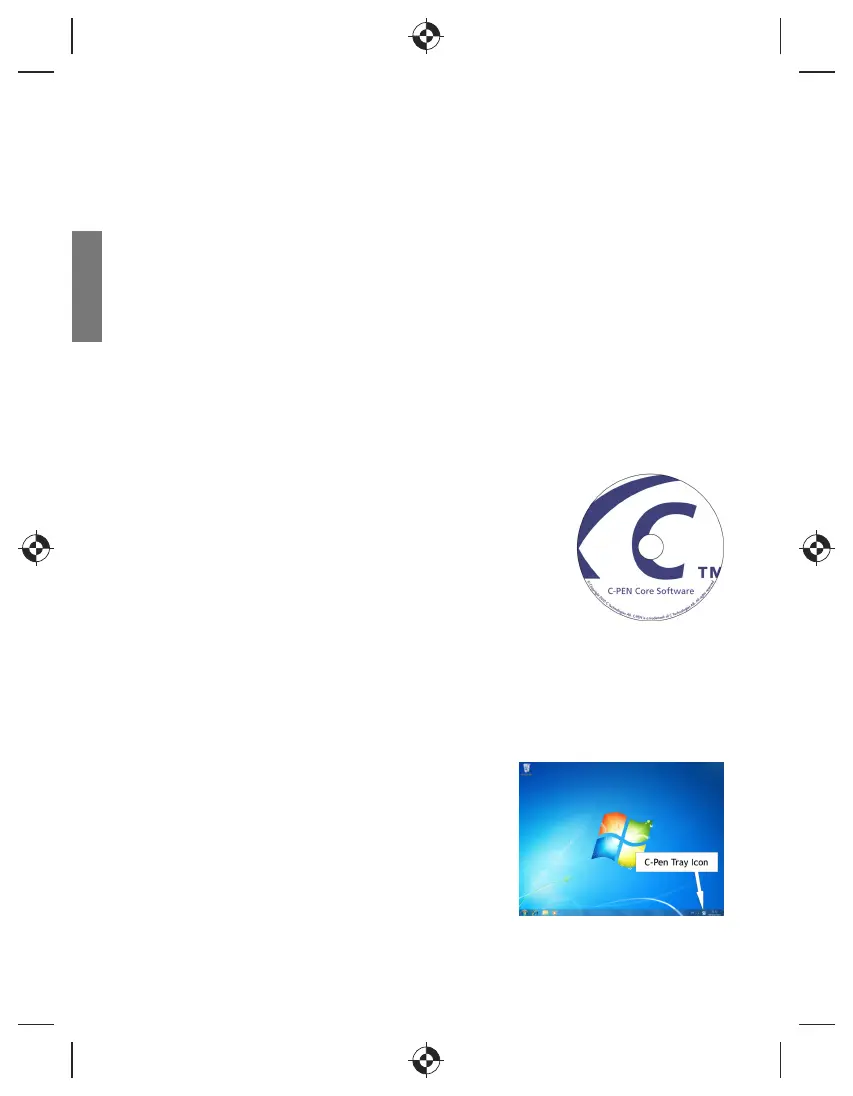
When the C-Pen Core software is started you will find
the C-Pen tray icon in the Windows system tray. This
icon indicates that the C-Pen Core software is running
properly. See the image to the right.
English


 To Next Page
 Loading...